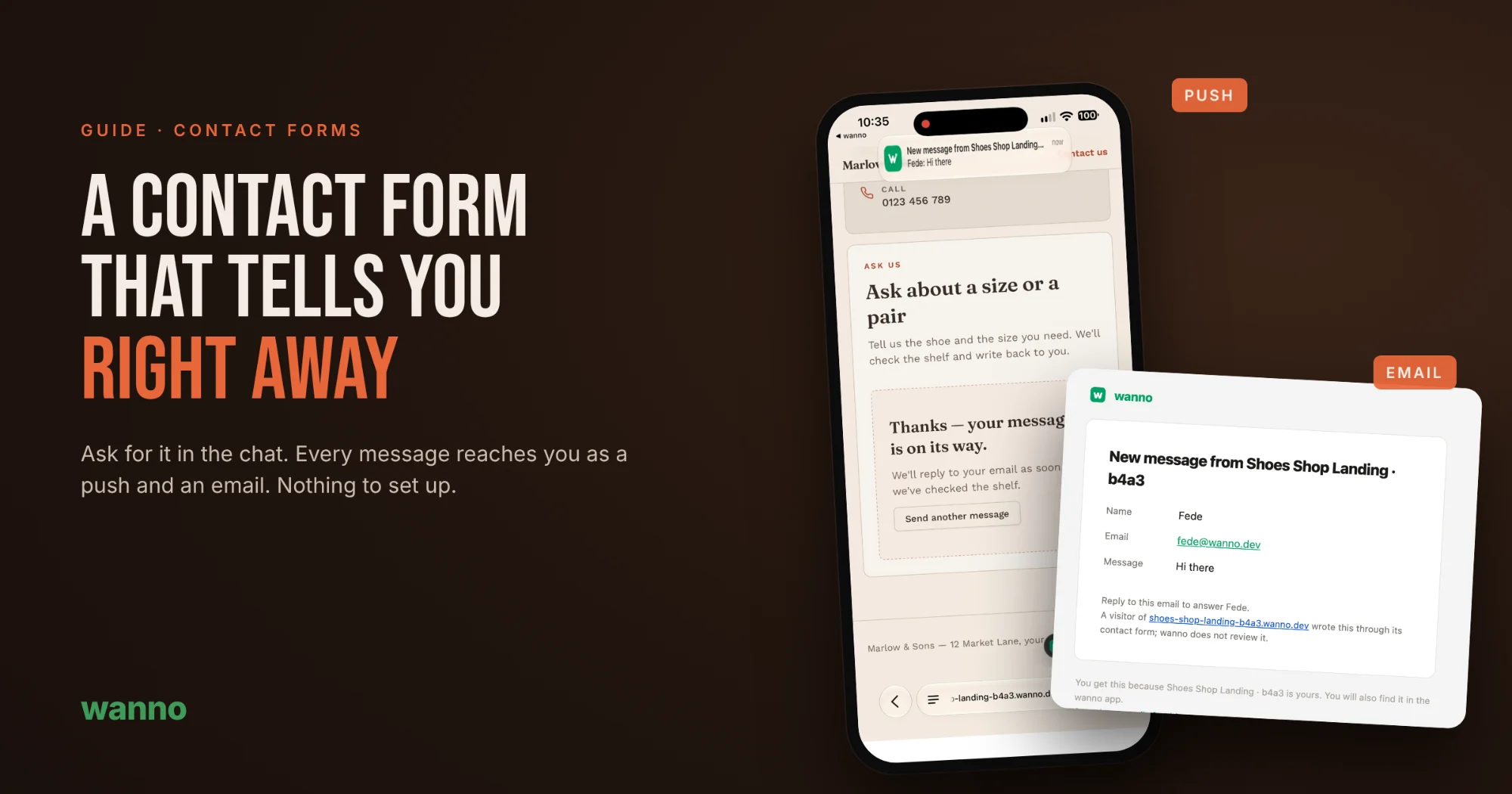
A contact form is only useful if you find out when someone writes. On many AI-built sites the form looks perfect, but messages go nowhere: you need to connect an email service, paste keys and test it. Not with wanno. Ask for the form in the chat and every message reaches you as a notification on your phone and as an email.
1. Ask for your site with a contact form
Just say it in your message:
Landing for my shoes shop with a contact form
2. wanno builds the site and wires up the form
While it builds the page, wanno also sets up the form: where each message is saved and who gets notified. You don't pick an email service or paste any key.
3. Publish
One tap and your site is live with its own link.
4. A customer writes to you
The visitor fills in their name, email and message, taps "Send" and sees the confirmation on the same page.
5. You know right away
Seconds later, a notification lands on your phone with who wrote and what they said. Tap it to open the full message in the wanno app, with a button to reply by email.
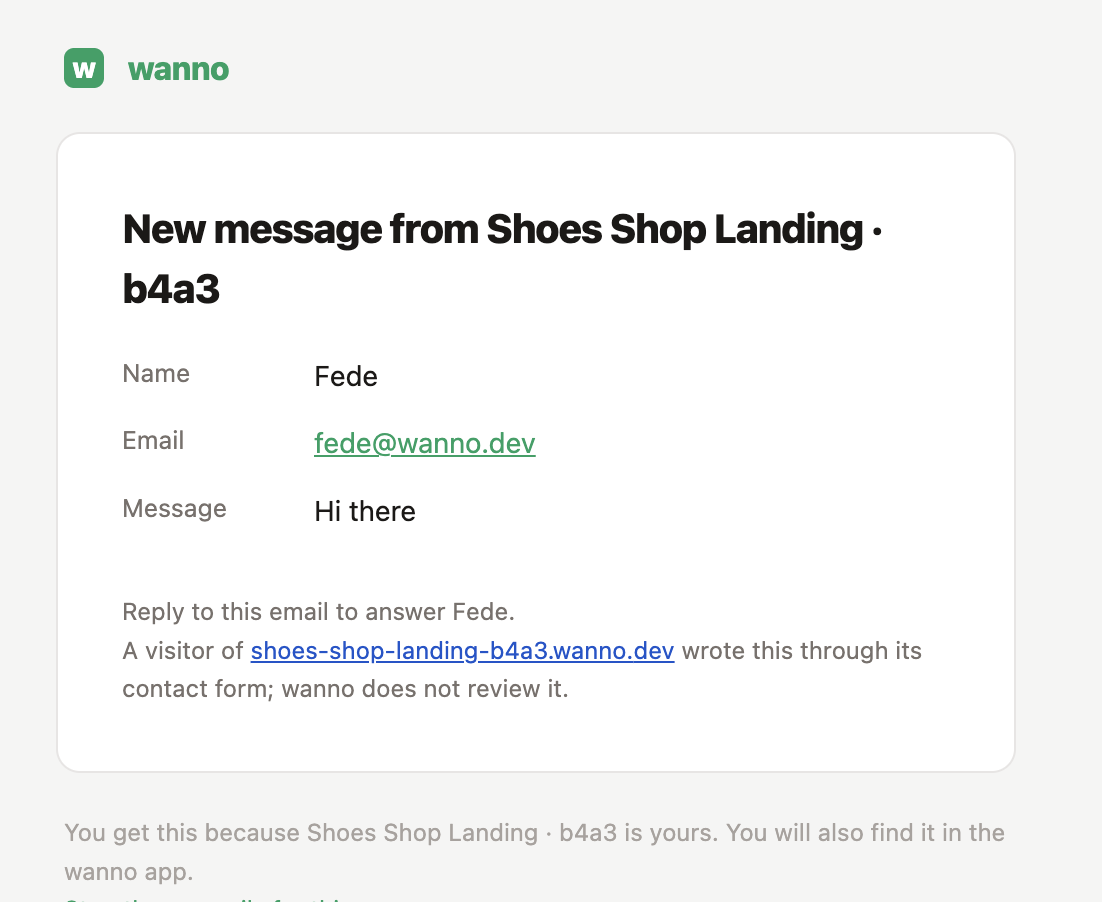
You also get an email with the message. To answer, just reply to it and your reply goes straight to the customer.
How it works
- Notifications go to the email of whoever built the site. No address to enter.
- The push arrives in the wanno app. If you don't have it installed, you still get the email.
- You choose when the email arrives, and you can turn it off per app right from the email.
- Spam protection is built in, so your inbox doesn't fill up with junk.
- If you want, messages can also live in a panel inside your site. It's optional: ask for it in the chat if it helps.
Not just for contact forms
The same alert works for anything your business can't miss:
- Orders and purchases: know the moment someone buys.
- Bookings and appointments: see who booked and when, right away.
- Quotes and inquiries: reply while the customer is still interested.
Try it
Copy the prompt below, swap "shoe shop" for your business and send it. Once it's live, send yourself a test message from another phone and watch it arrive.