wanno

Build an app with AI on the web: wanno now gives you suggestions as you type

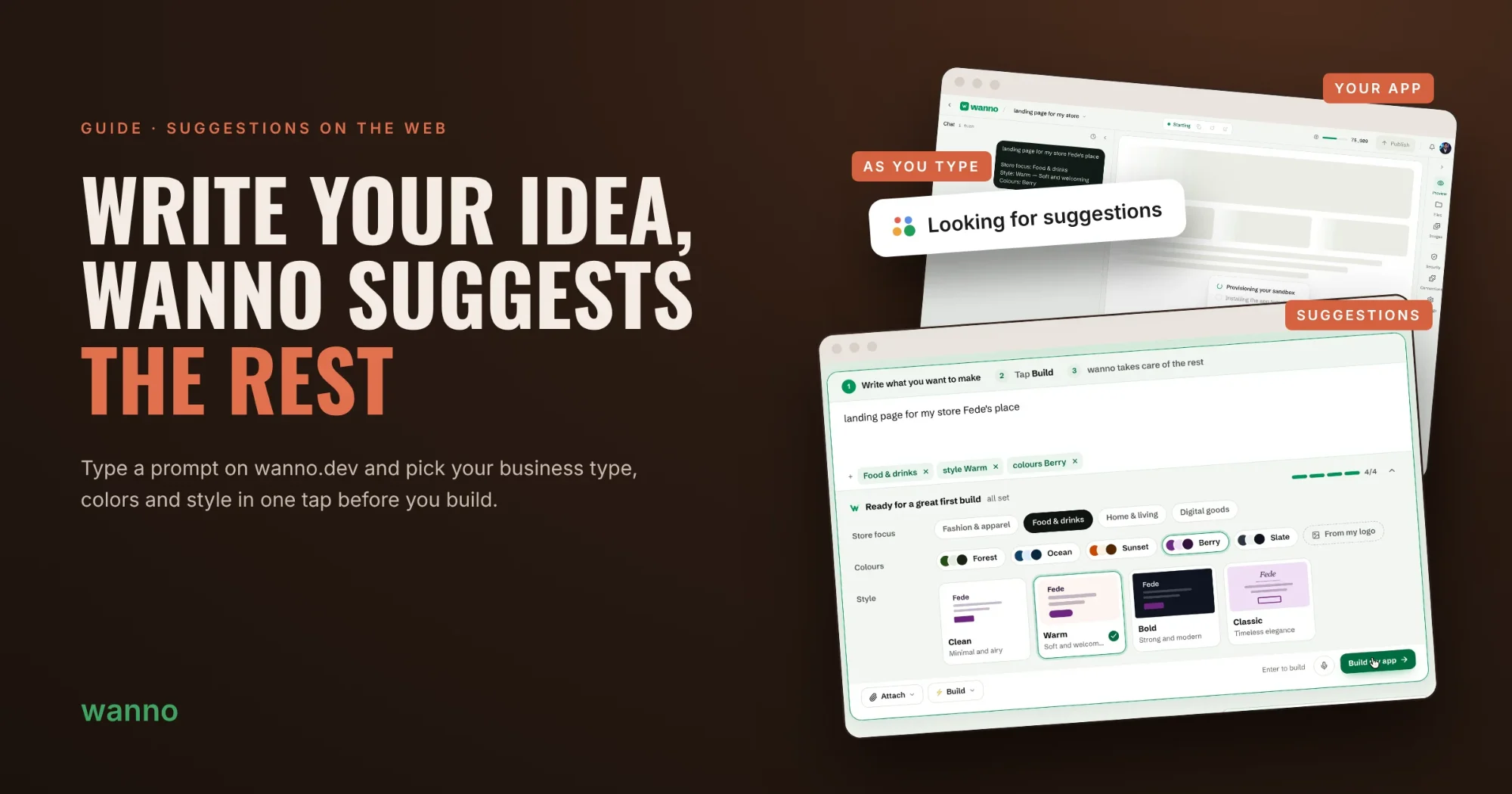
Writing a good prompt shouldn't feel like a test. On wanno.dev, as you describe your idea, wanno suggests a business type, colors and style so your app comes out right on the first try.

Fede Carrizo · 2 min · 4 steps Leer en españolLer em português
Fig. 01
On this page

Writing a good prompt shouldn't feel like a test. On wanno.dev, as you describe your idea, wanno suggests a business type, colors and style so your app comes out right on the first try.

Before, a short prompt meant wanno had to guess the rest. Now it asks about what's missing with options you pick in one tap, and you decide how much to define. In this guide we build a landing page for a coffee shop from a single sentence.

Fig. 02

01. Write your idea

Go to wanno.dev and describe what you want to make, in your own words. In the example we typed:

landing page for my store Fede's place

As soon as you stop typing, Looking for suggestions shows up: wanno is reading your idea to see what's missing.
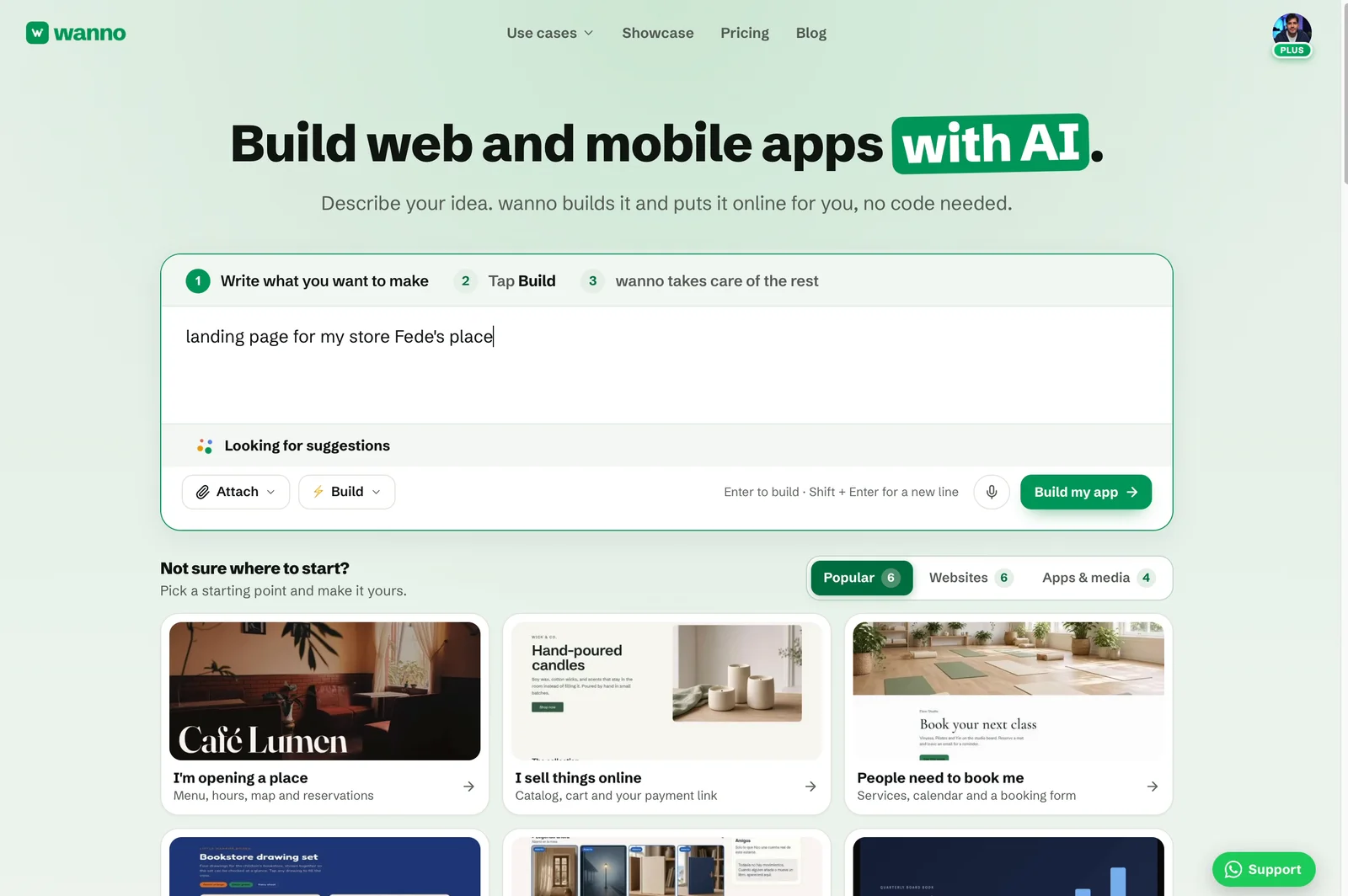
Prompt typed on wanno.dev with "Looking for suggestions" below it
Fig. 03 Prompt typed on wanno.dev with "Looking for suggestions" below it

02. Pick from the suggestions

A panel opens under your prompt with questions tailored to your idea: what your store focuses on, which colors to use and which style you prefer, with a preview of each style. If you already have a logo, tap From my logo and wanno pulls the colors from it.

Every option you pick is added to the prompt as a tag, and a progress bar shows how much is left to define.
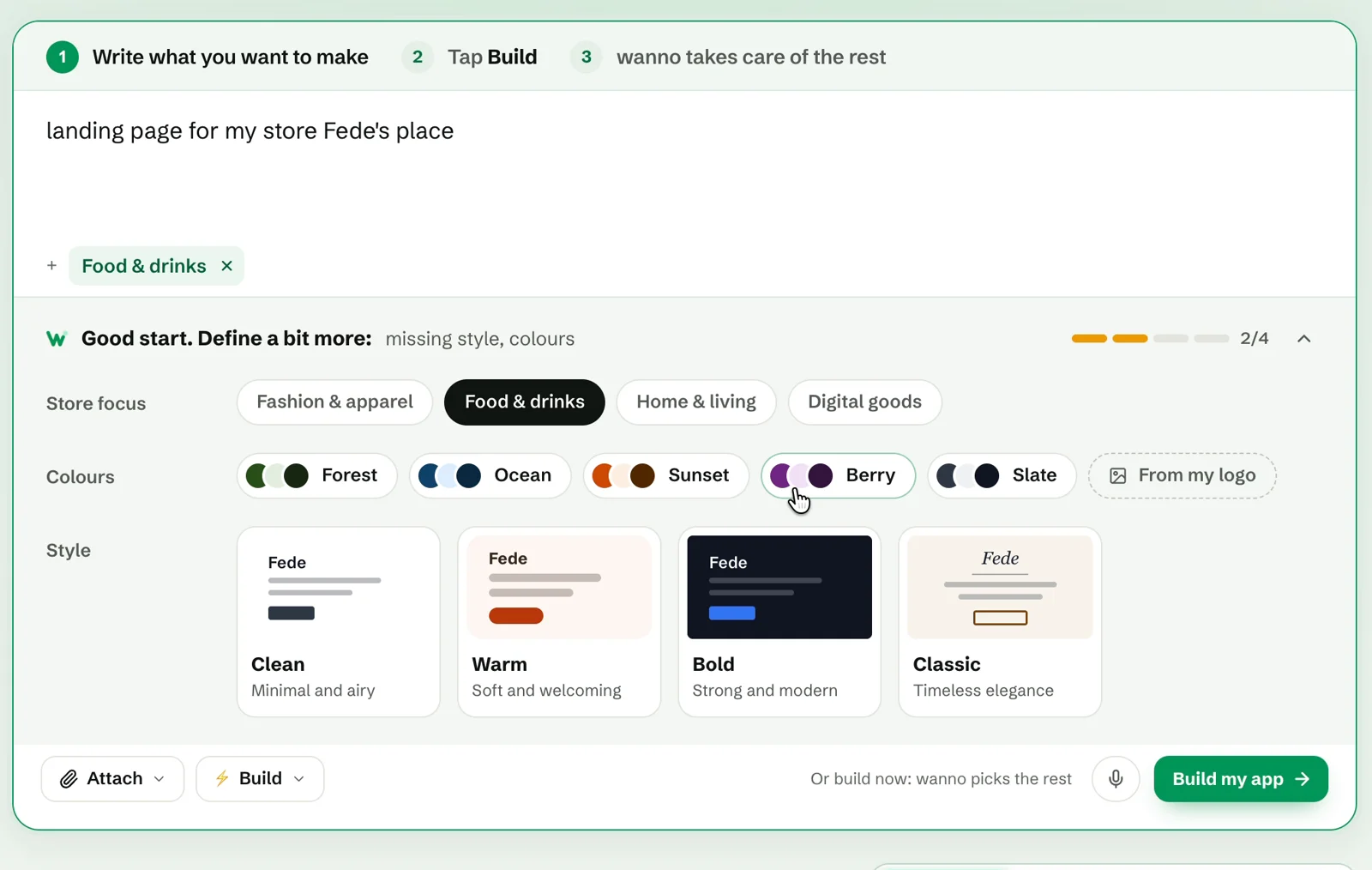
Suggestions panel with store focus, color palettes and visual styles
Fig. 04 Suggestions panel with store focus, color palettes and visual styles

03. Review and tap Build my app

Once everything is set, the panel reads Ready for a great first build. Check your tags (Food & drinks, style Warm, colours Berry) and remove any of them with the ×.

You don't have to answer everything: if you're in a hurry, tap Build my app at any point and wanno picks the rest for you.
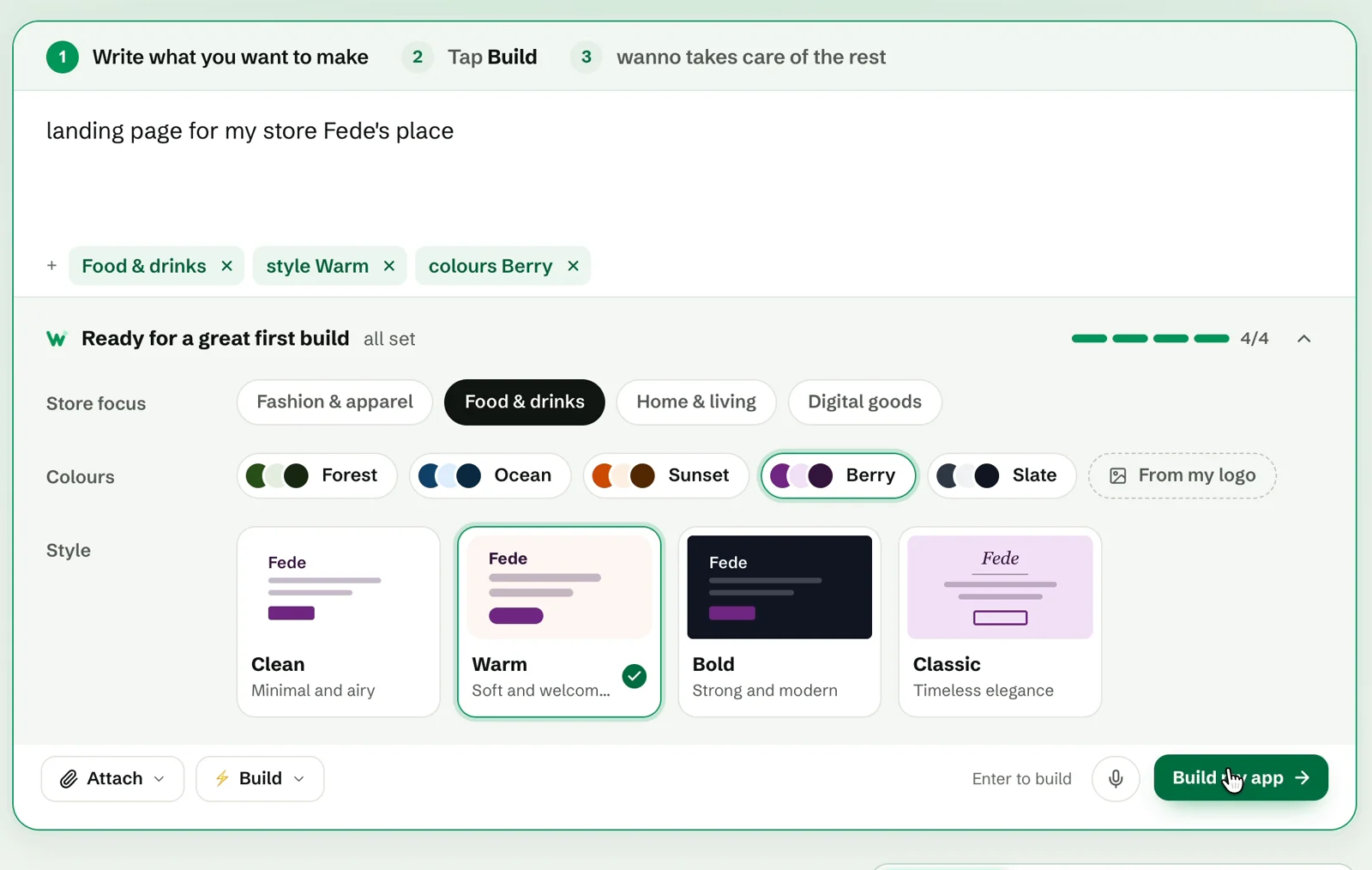
Prompt with the chosen tags and the panel showing "Ready for a great first build"
Fig. 05 Prompt with the chosen tags and the panel showing "Ready for a great first build"

04. wanno builds your app

The editor opens with your full request: your original idea plus every choice you made. wanno sets up the project and starts building your site with those instructions.
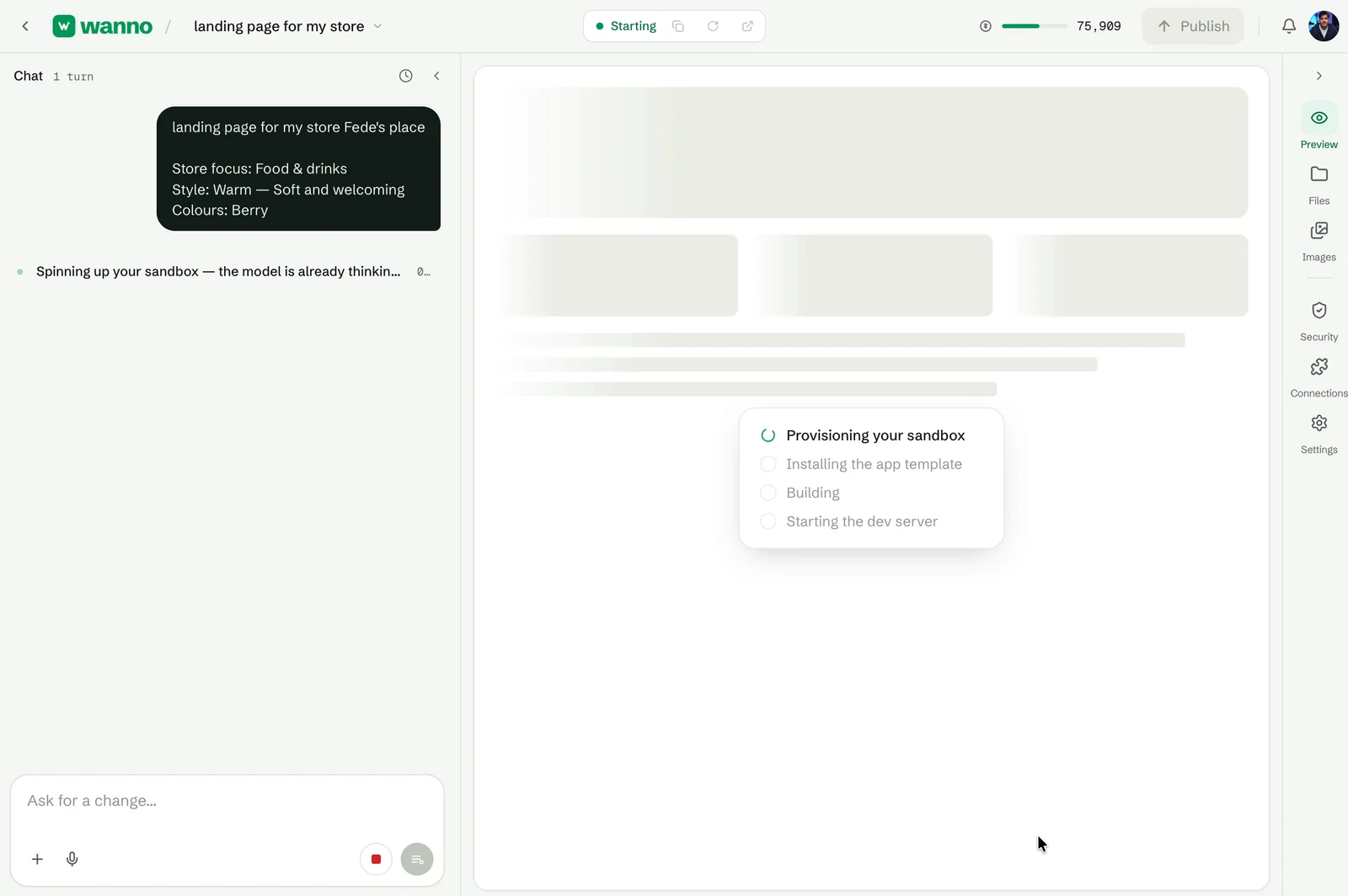
wanno editor with the request summary and build progress
Fig. 06 wanno editor with the request summary and build progress

What you built

With one sentence and three taps you went from a rough idea to a clear request: business type, colors and style defined before the build starts. Less back and forth, a better first result. Suggestions are live on the web now.

Read next: How to connect a custom domain to your site from your phone
Download wanno on the App Store · Get wanno on Google Play

Build it with wanno

Describe your idea. wanno designs it, codes it and publishes it with its own URL.

Start building
Next · Nº 008 Build an AI recipe app without your own API keys →

Build with AI1 min

Build an AI recipe app without your own API keys

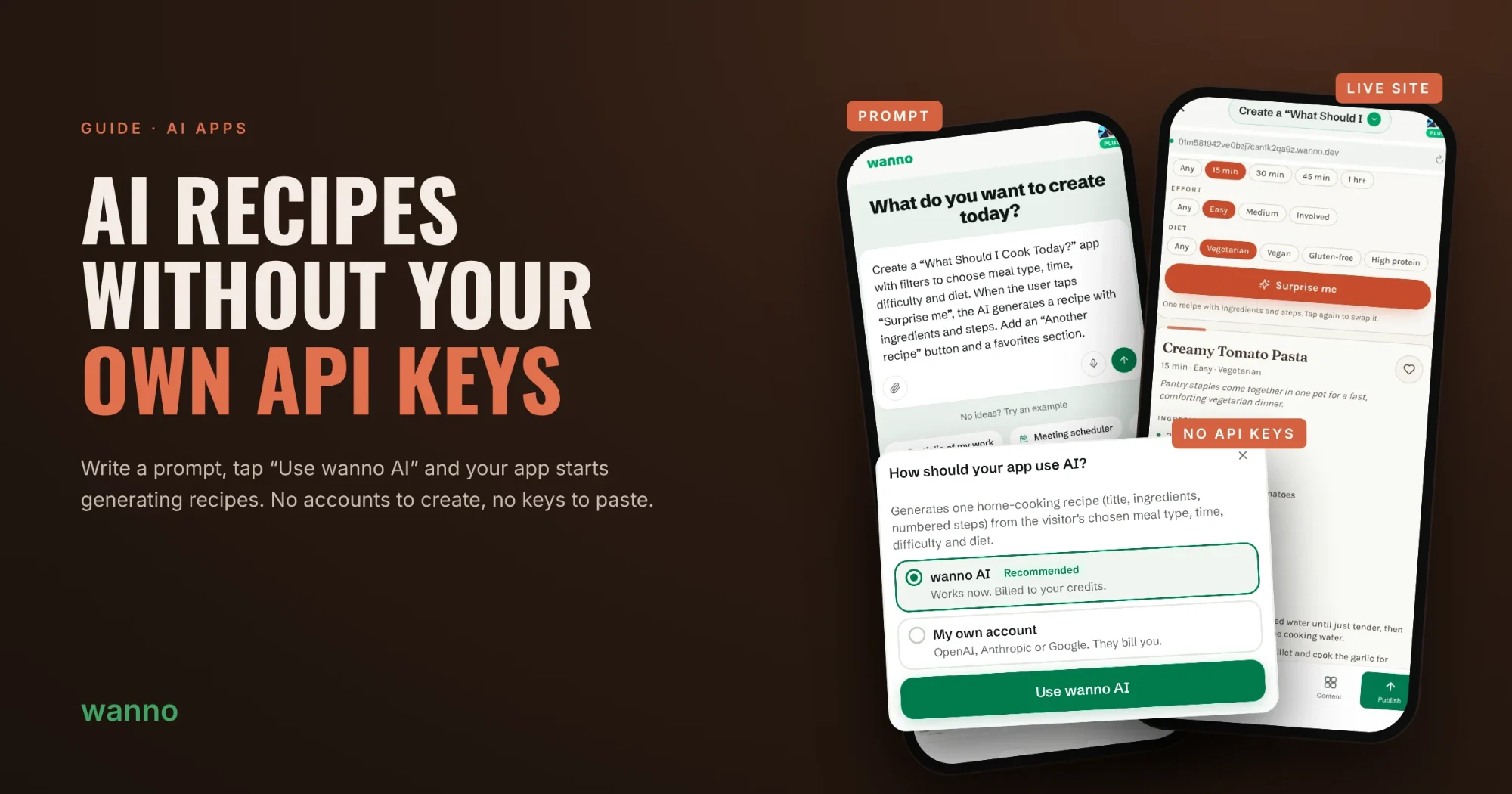
Adding AI to an app usually means creating an OpenAI, Anthropic or Google account and pasting an API key. In wanno you write the prompt, tap “Use wanno AI” and your app is already generating recipes.

Build with AI2 min

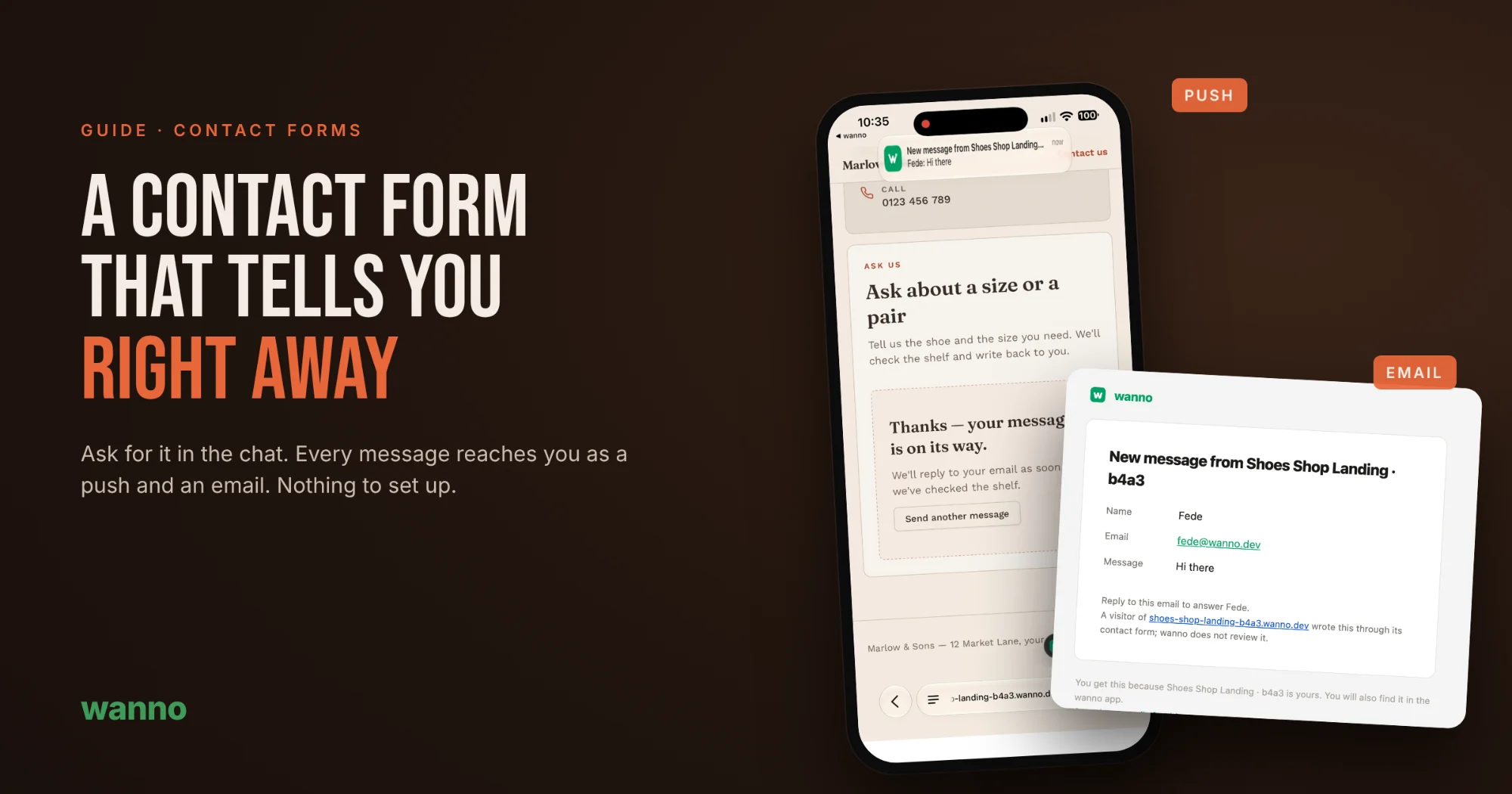
A contact form that tells you right away, with nothing to set up

A contact form is only useful if you find out when someone writes. On many AI-built sites the form looks perfect, but messages go nowhere: you need to connect an email service, paste keys and test it. Not with wanno. Ask for the form in the chat and every message reaches you as a notification on…

Build with AI2 min

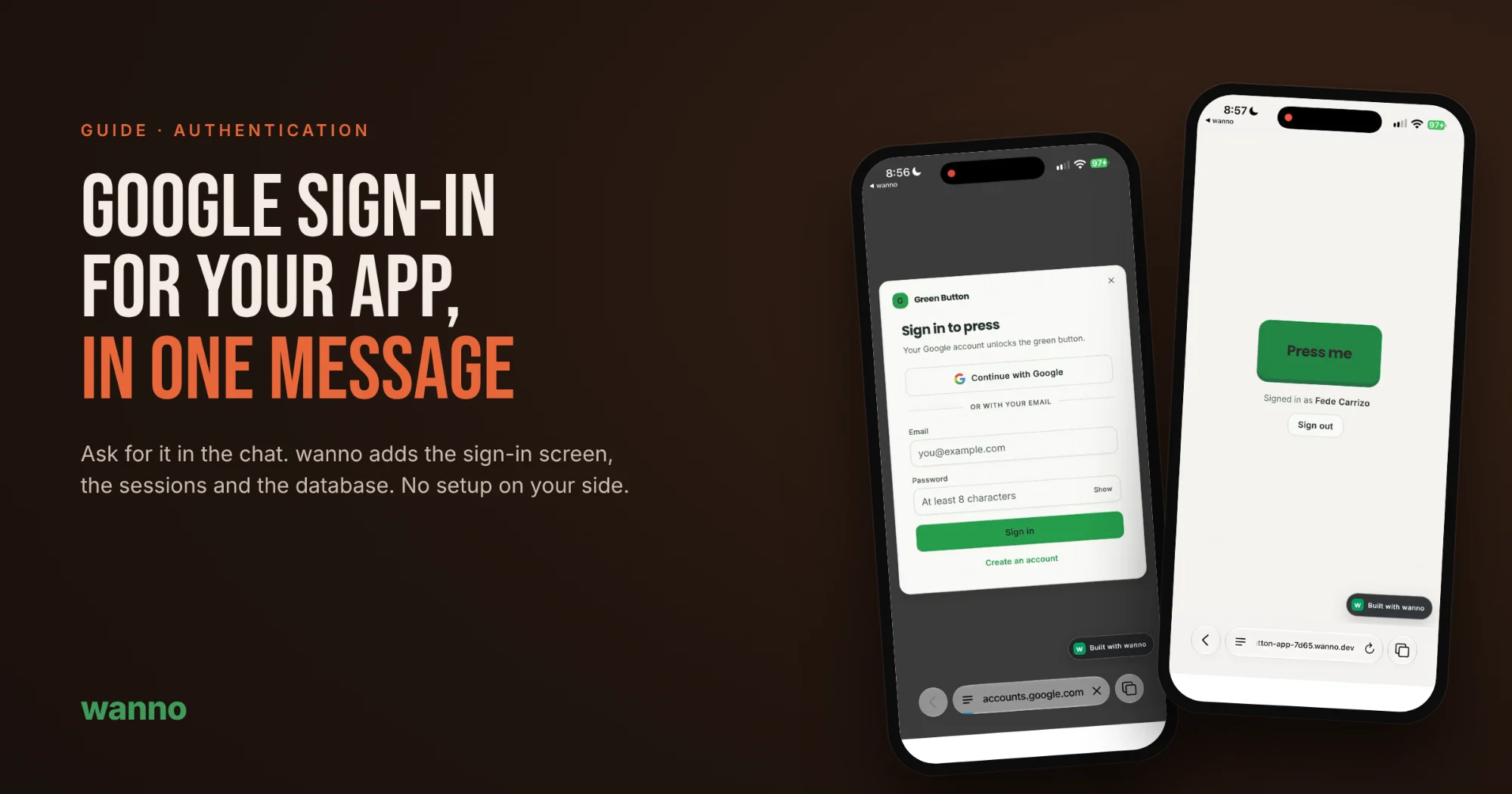
How to add Google sign-in to your app with one message

An app anyone can open is fine for showing something off. But the moment you need to know who's using it, store data per person, or keep people away from what isn't theirs, you need sign-in. With wanno, adding Google login means asking for it in the chat: no consoles to set up, no keys to copy, no…