wanno

Your app is live: now tell people with 4 photos ready for social

Publishing an app is half the job; the other half is getting people to see it. Now, when you publish on wanno, you can create 4 photos with your brand and your link, ready for Instagram, Facebook and WhatsApp.

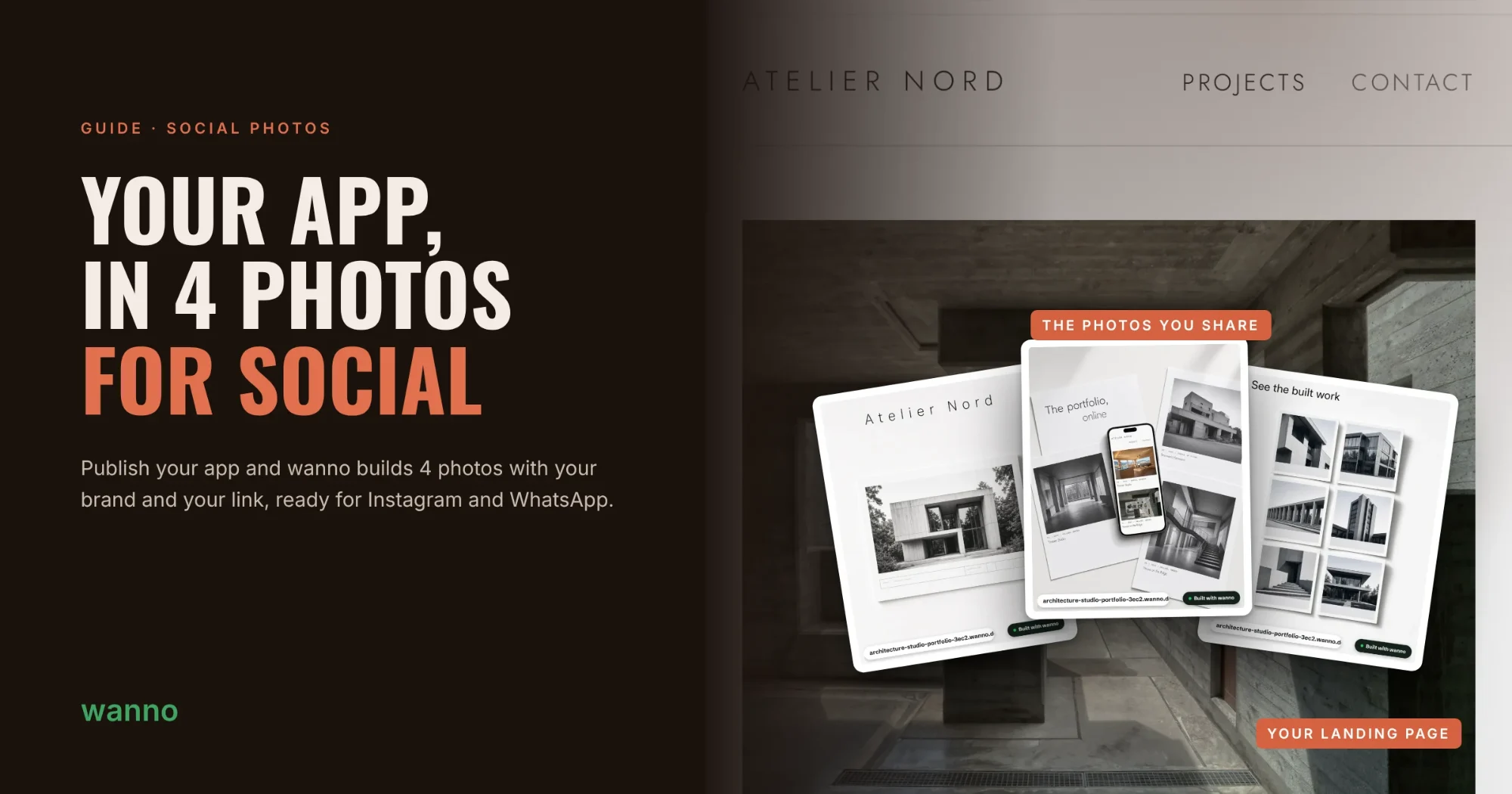
Fig. 01Cover: the Atelier Nord portfolio landing page and the 4 photos wanno created, ready to share on social
Cover: the Atelier Nord portfolio landing page and the 4 photos wanno created, ready to share on social
On this page

Publishing an app is half the job; the other half is getting people to see it. Now, when you publish on wanno, you can create 4 photos with your brand and your link, ready for Instagram, Facebook and WhatsApp.

No design app, no taking screenshots by hand. The photos are built from your app, with its style and its content, in a 4:5 format made for the feed. In this guide we try it with a meeting booking page.

01. Publish your app

Start as usual: build your app in the chat and tap Publish. In this example, a page where your clients pick a free time slot and book a meeting.
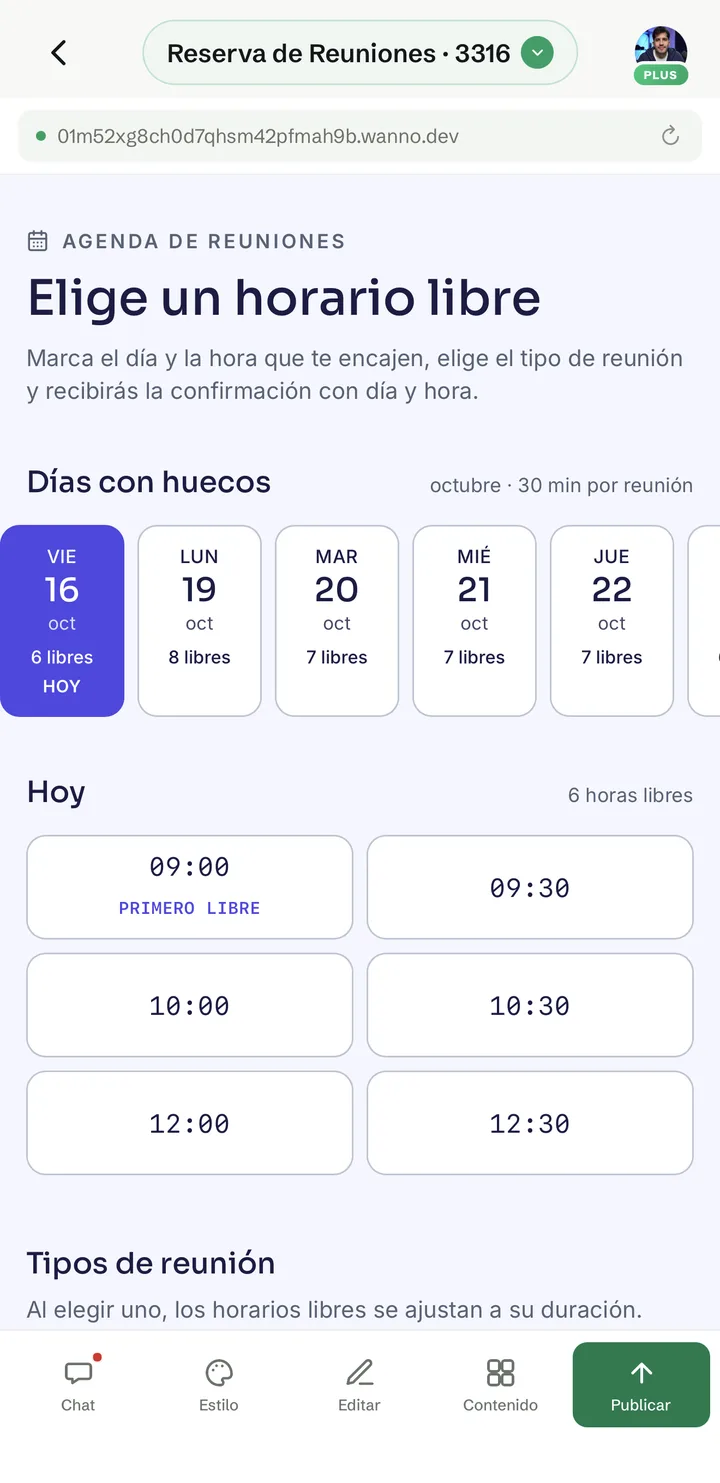
Meeting booking app in wanno, showing days with open slots and today's free times
Fig. 02 Meeting booking app in wanno, showing days with open slots and today's free times

02. Tap "Create 4 photos"

On the "Your app is live!" screen you'll see the Share it on social card. Tap Create 4 photos. It uses no credits.
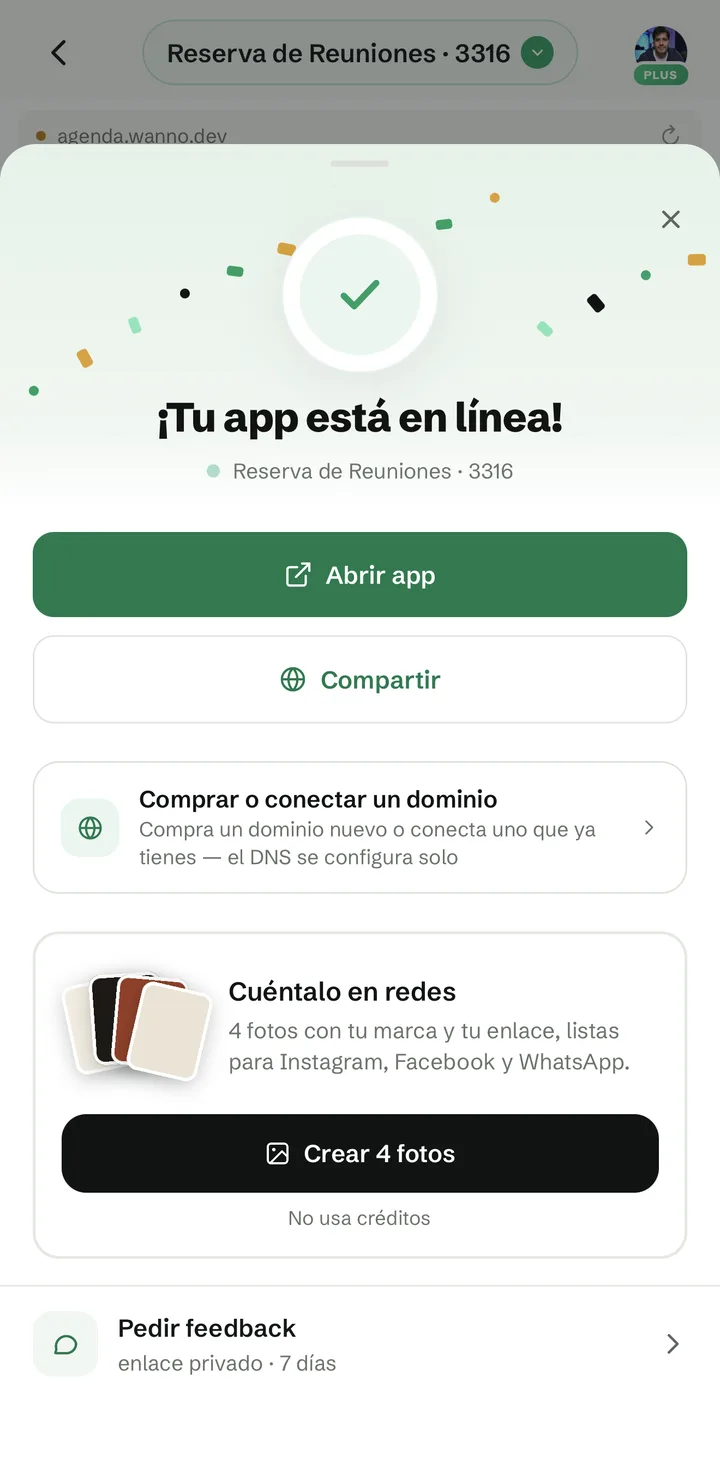
Published app screen with the Share it on social card and the Create 4 photos button
Fig. 03 Published app screen with the Share it on social card and the Create 4 photos button

03. Look at your photos

A few seconds later, the 4 photos show up on the same screen. Want a different take? Tap Create new ones.
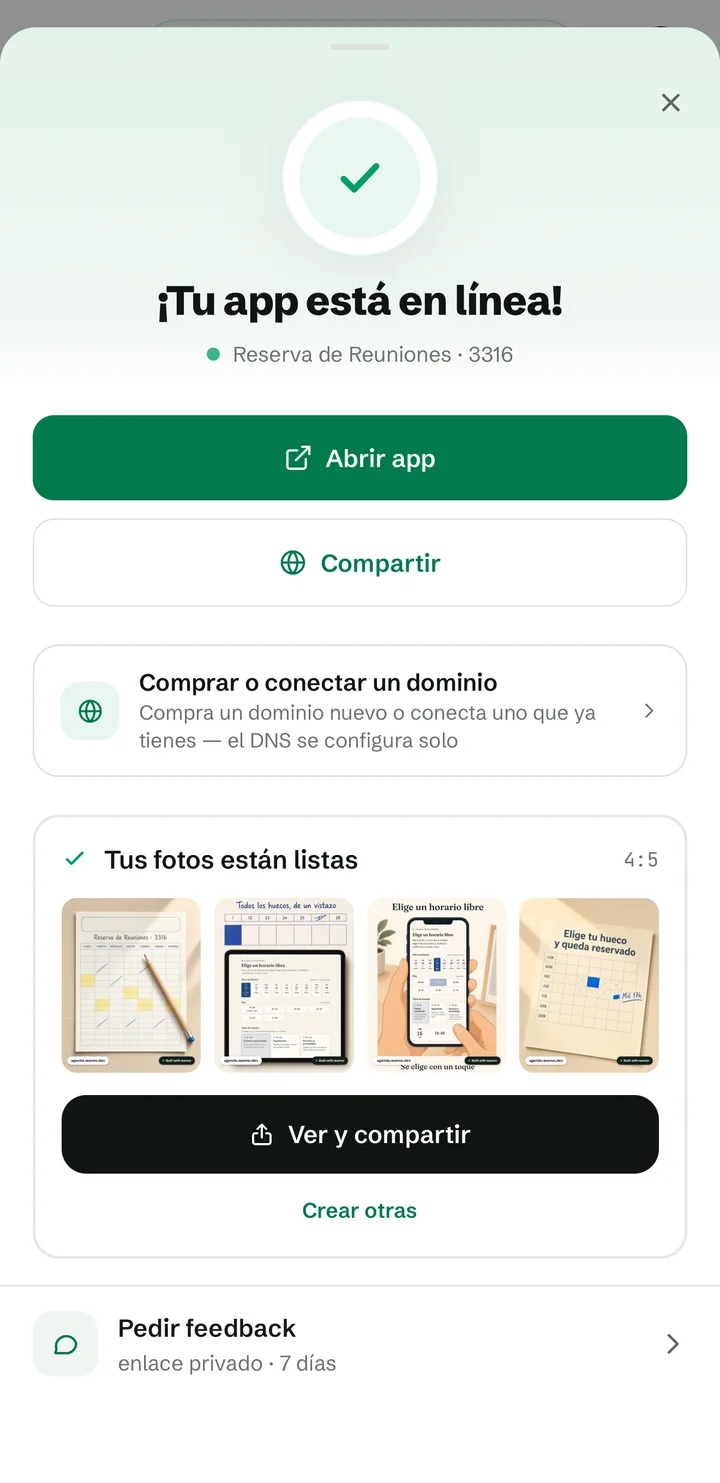
Your photos are ready card with the 4 generated photos
Fig. 04 Your photos are ready card with the 4 generated photos

Each photo shows your app from a different angle: on paper, on a tablet, on a phone and as a single idea. All of them carry your link (agenda.wanno.dev) and the "Built with wanno" badge.
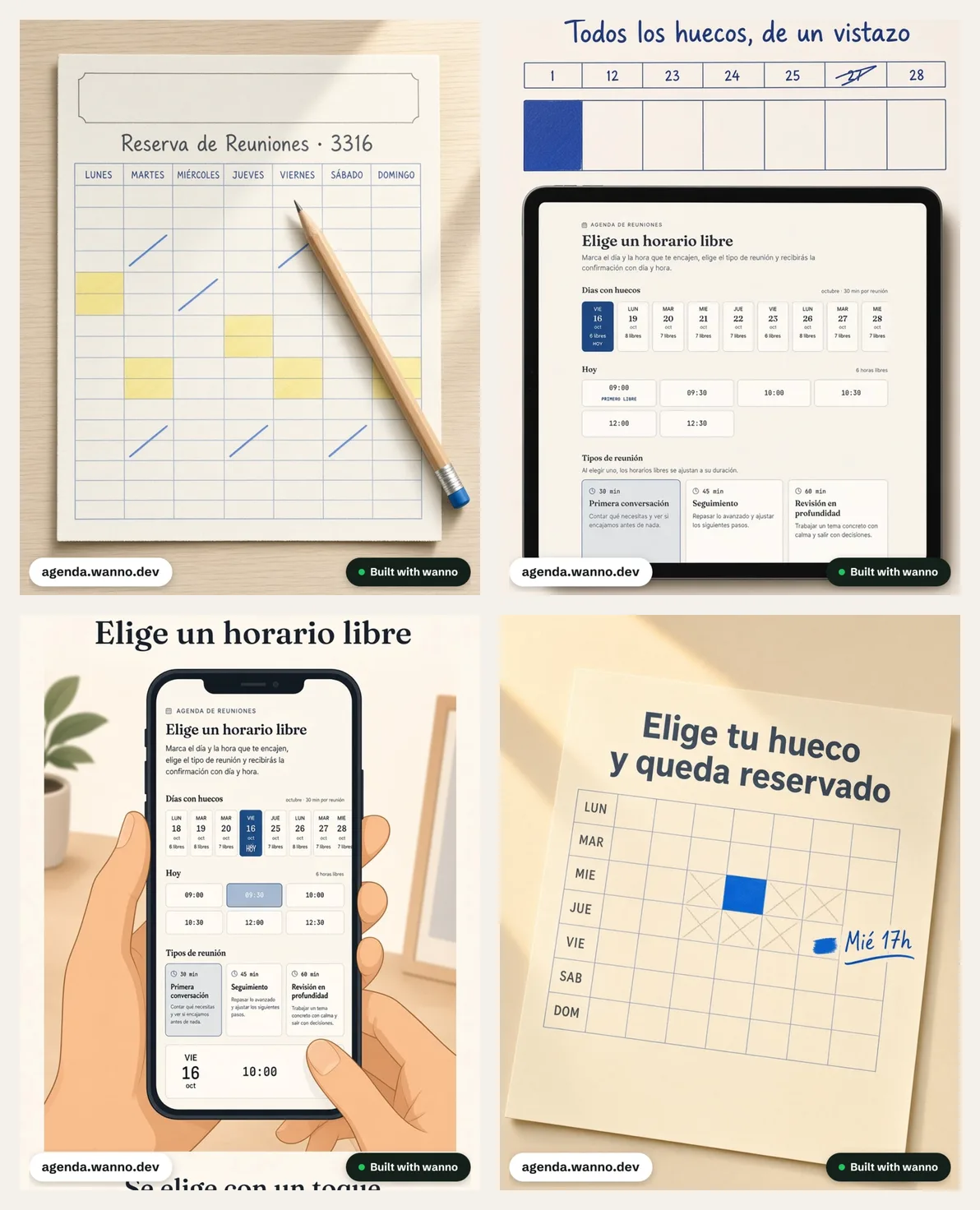
The 4 photos generated for the meeting booking app
Fig. 05 The 4 photos generated for the meeting booking app

04. Share them

Tap View and share to go through them one by one. Share this photo opens your phone's share menu, where Instagram and WhatsApp show up. Below it there's a caption for your post, one tap away with Copy text. If you'd rather post later, Save all 4 puts them in your photo library.
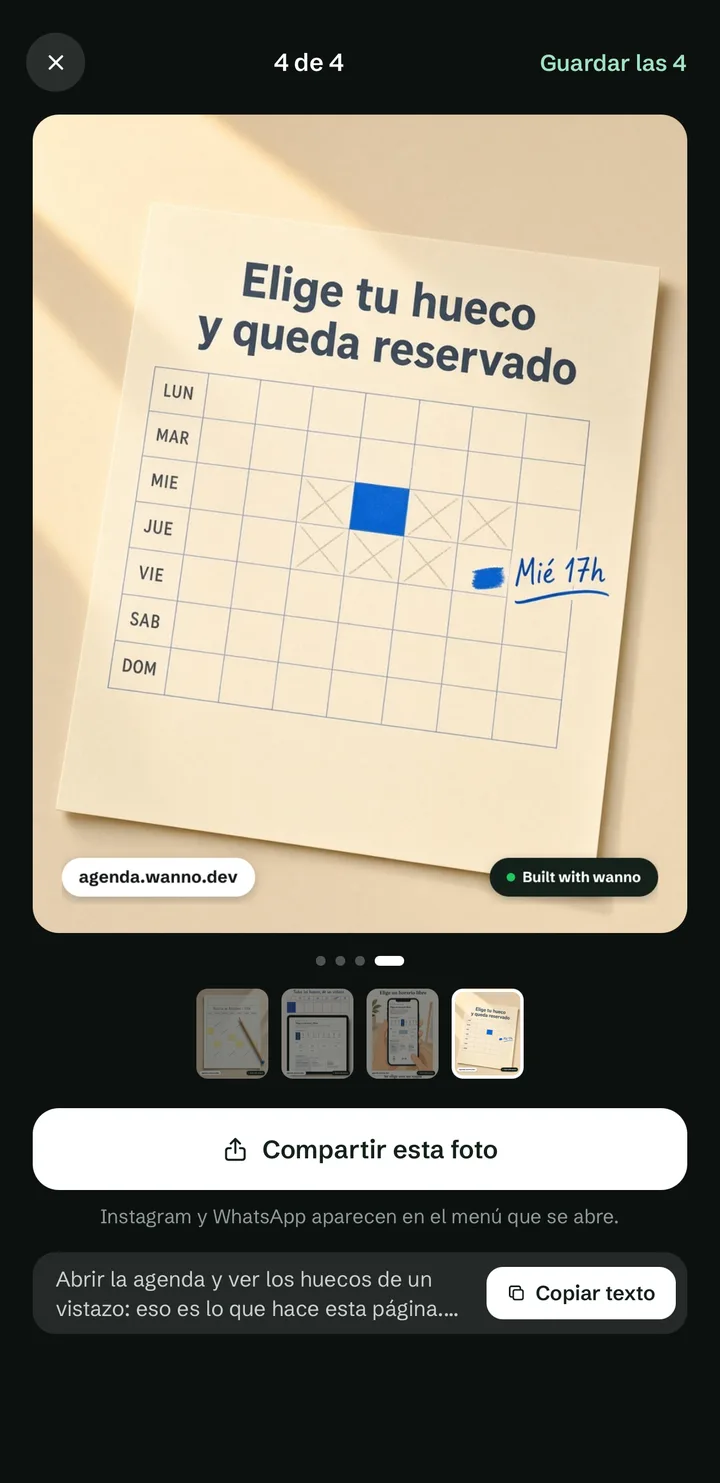
Photo viewer with the Share this photo, Copy text and Save all 4 buttons
Fig. 06 Photo viewer with the Share this photo, Copy text and Save all 4 buttons

Every app gets its own photos

The photos follow your app's style. We tried it with an architecture portfolio and the result is completely different: black and white, project sheets and titles in the app's language.
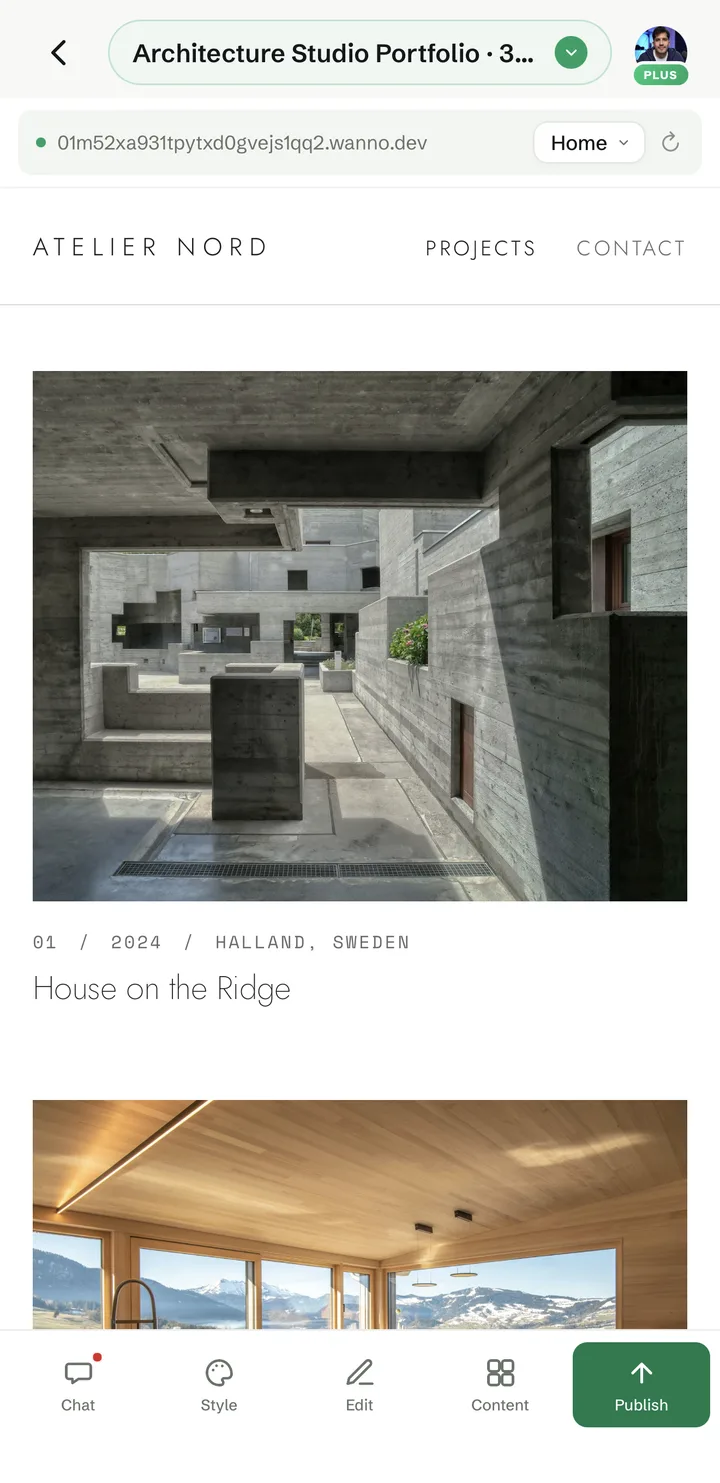
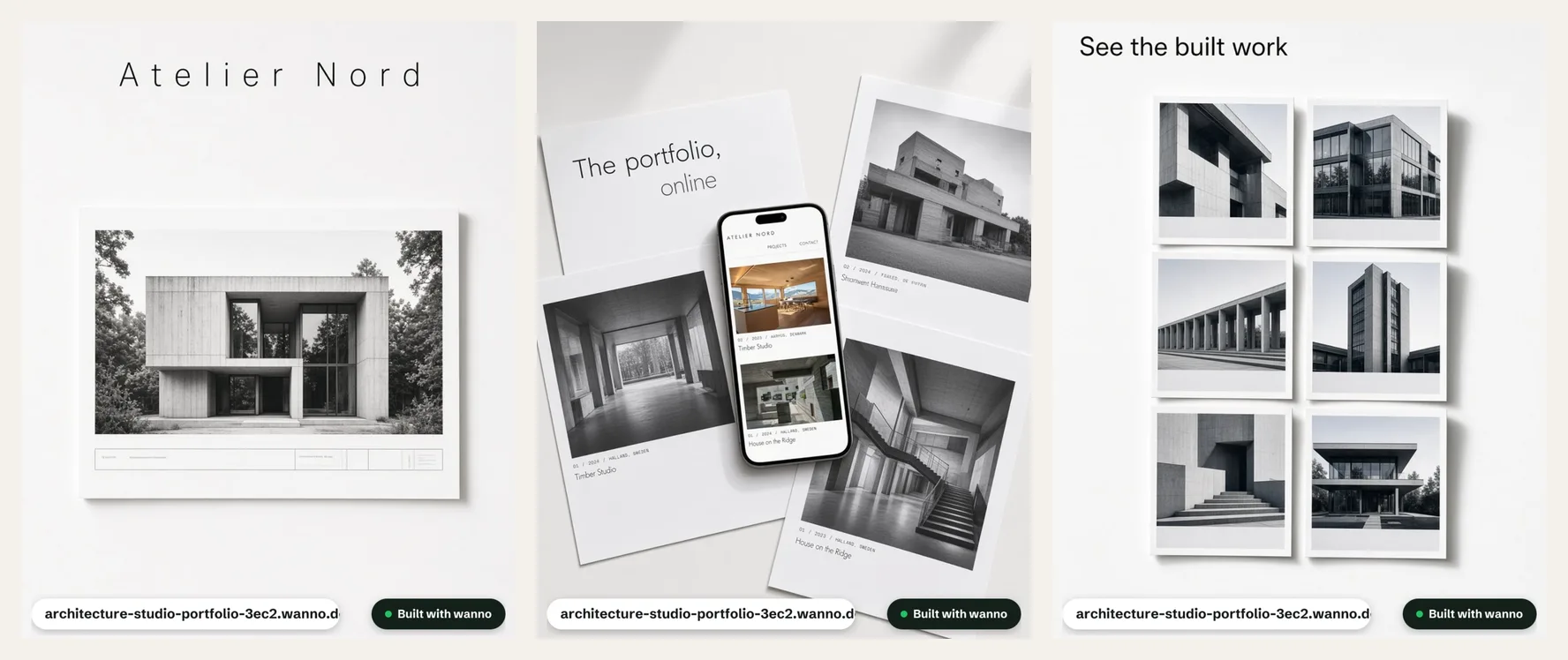
Atelier Nord architecture portfolio published on wanno
Fig. 07 Atelier Nord architecture portfolio published on wanno
Three of the photos generated for the architecture portfolio
Fig. 08 Three of the photos generated for the architecture portfolio

What you built

A published app and 4 photos with your brand and your link to announce it, without leaving wanno and without spending credits. Next time you publish, you know where to find it.

Read next: How wanno works on your phone: building, editing and publishing an app, screen by screen
Download wanno on the App Store · Get wanno on Google Play

Try it yourself

Build it with wanno

Describe your idea. wanno designs it, codes it and publishes it with its own URL.

A booking page for my business: customers pick a free slot and book
Build with this prompt
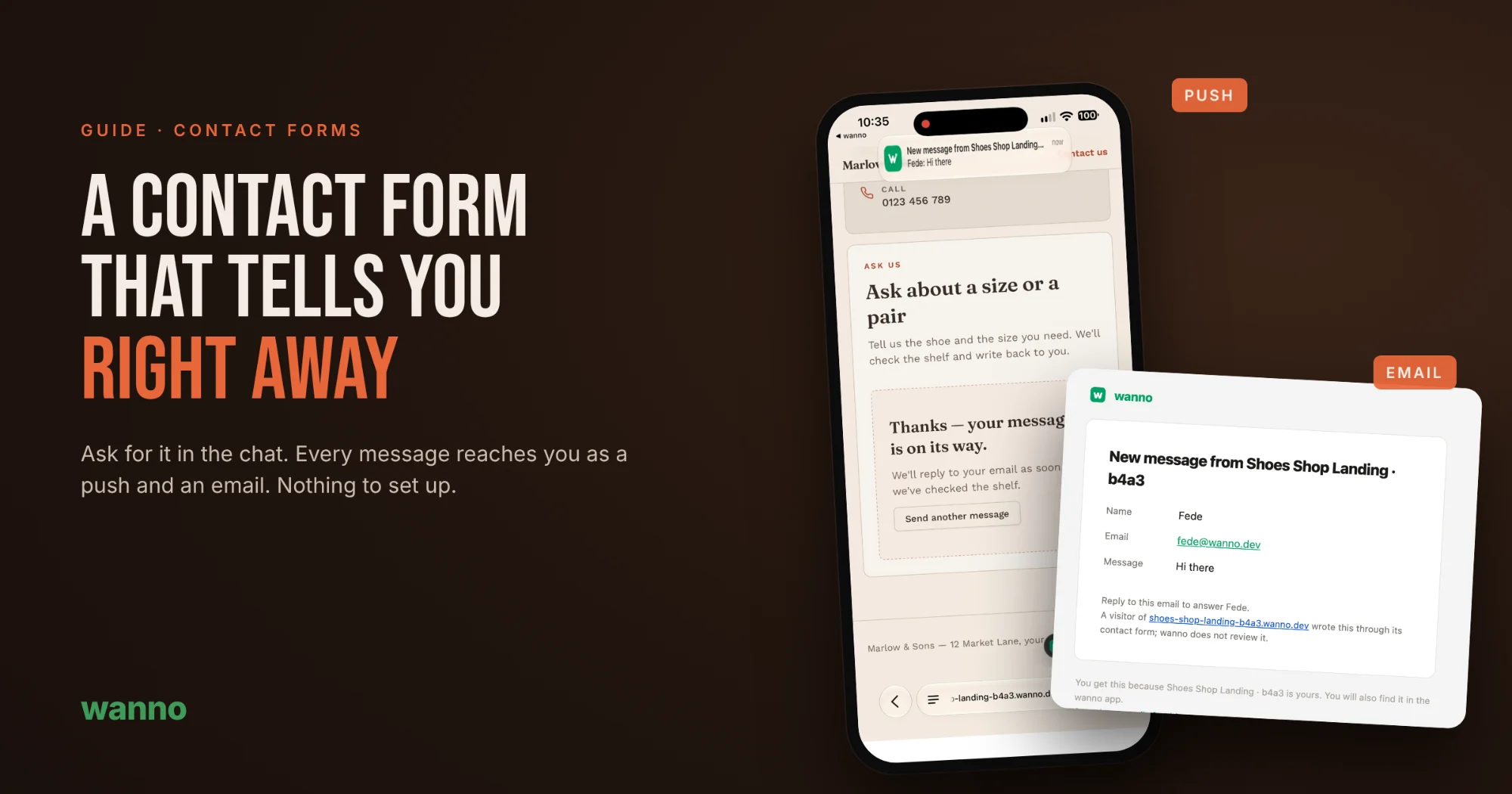
Next · Nº 005 A contact form that tells you right away, with nothing to set up →

Build with AI2 min

A contact form that tells you right away, with nothing to set up

A contact form is only useful if you find out when someone writes. On many AI-built sites the form looks perfect, but messages go nowhere: you need to connect an email service, paste keys and test it. Not with wanno. Ask for the form in the chat and every message reaches you as a notification on…

Build with AI2 min

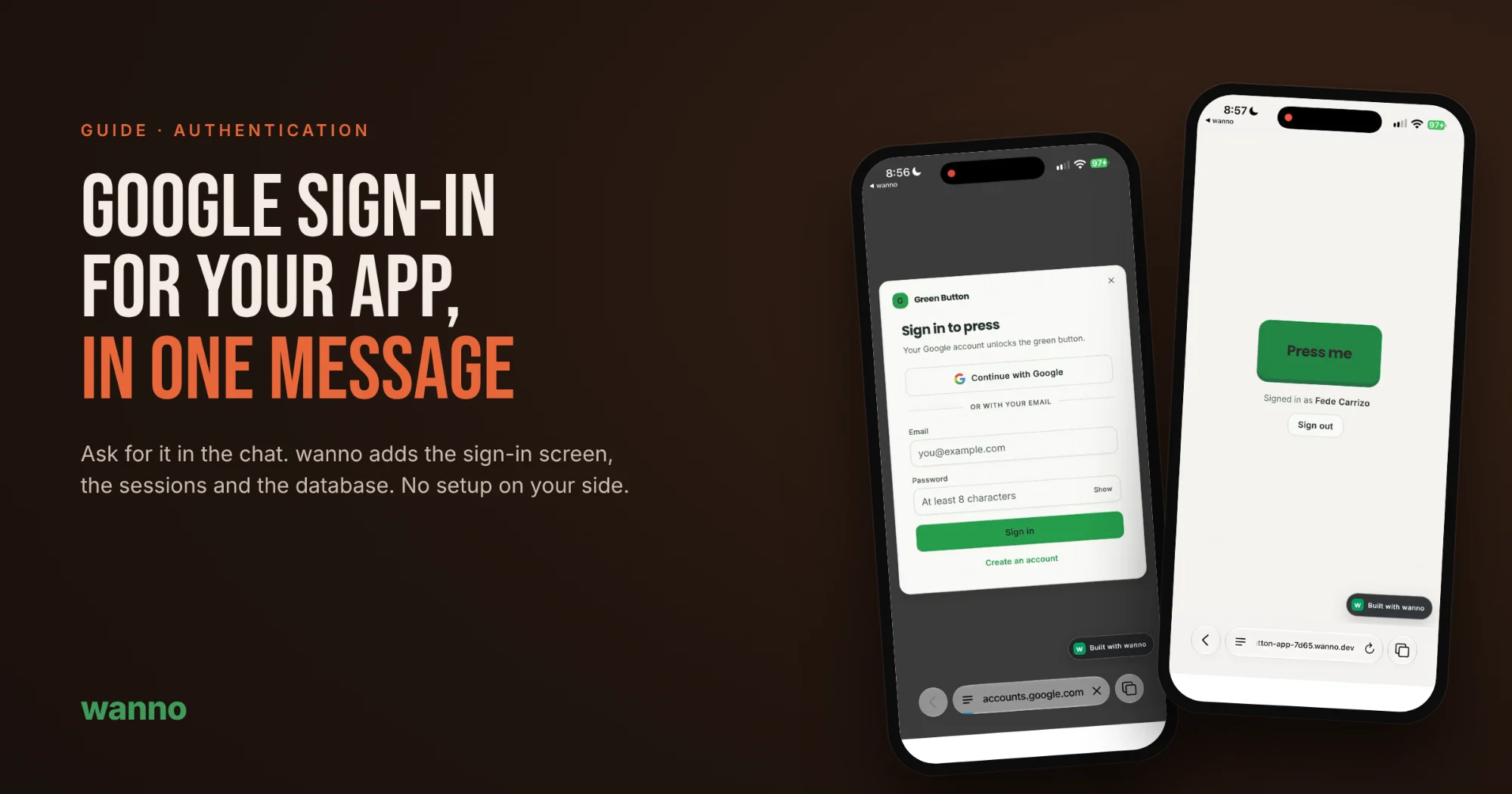
How to add Google sign-in to your app with one message

An app anyone can open is fine for showing something off. But the moment you need to know who's using it, store data per person, or keep people away from what isn't theirs, you need sign-in. With wanno, adding Google login means asking for it in the chat: no consoles to set up, no keys to copy, no…