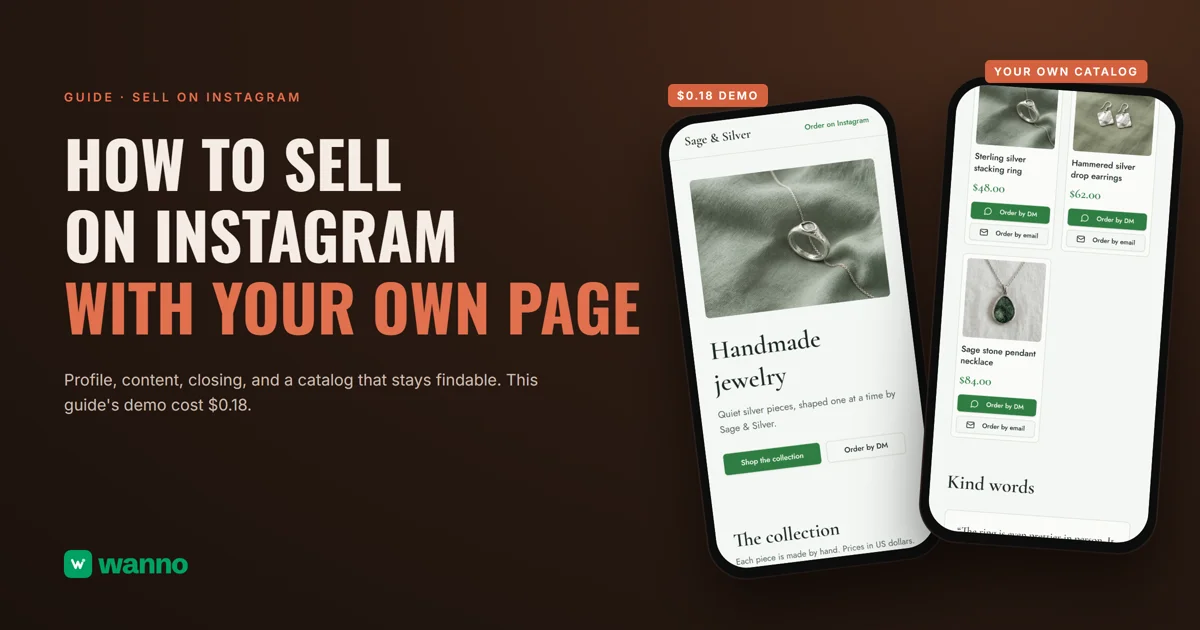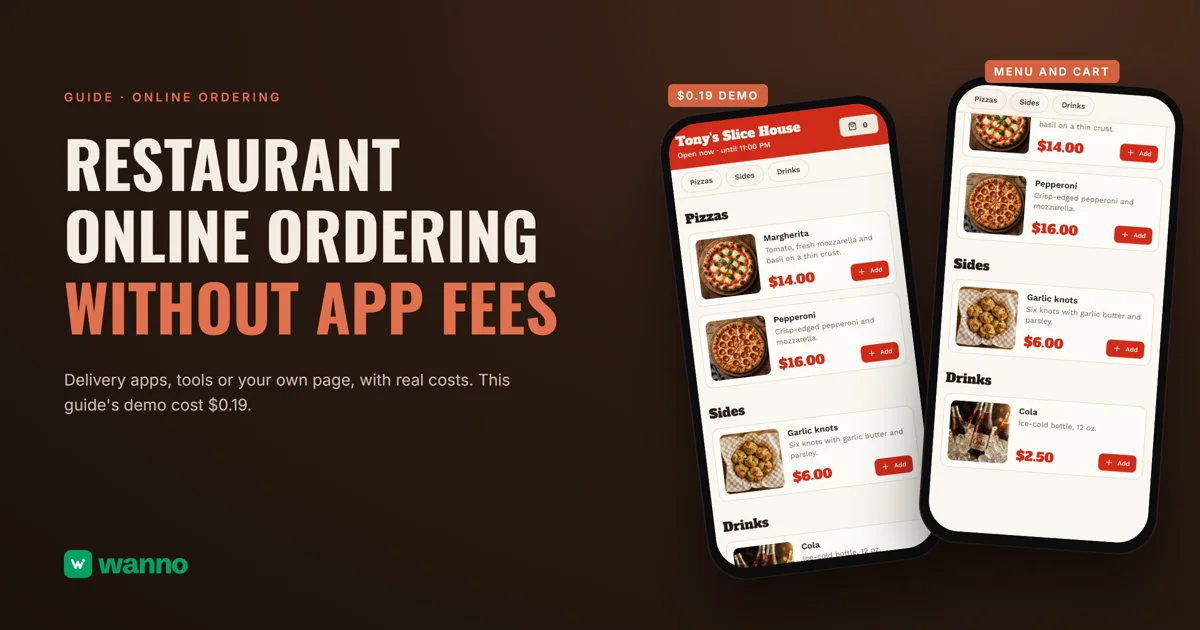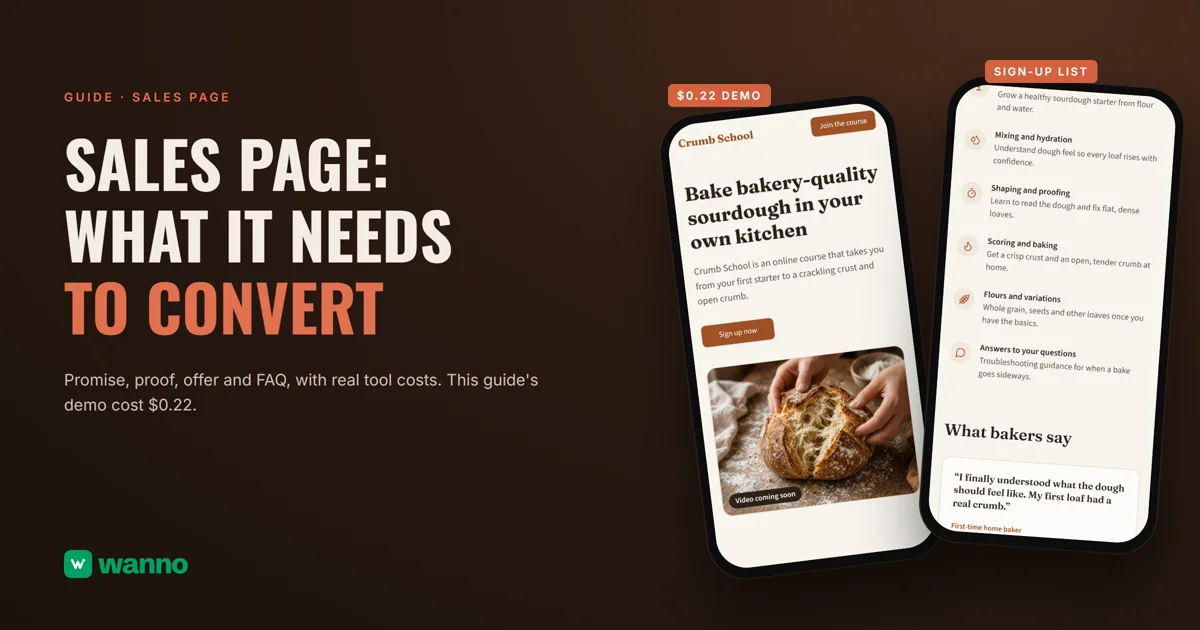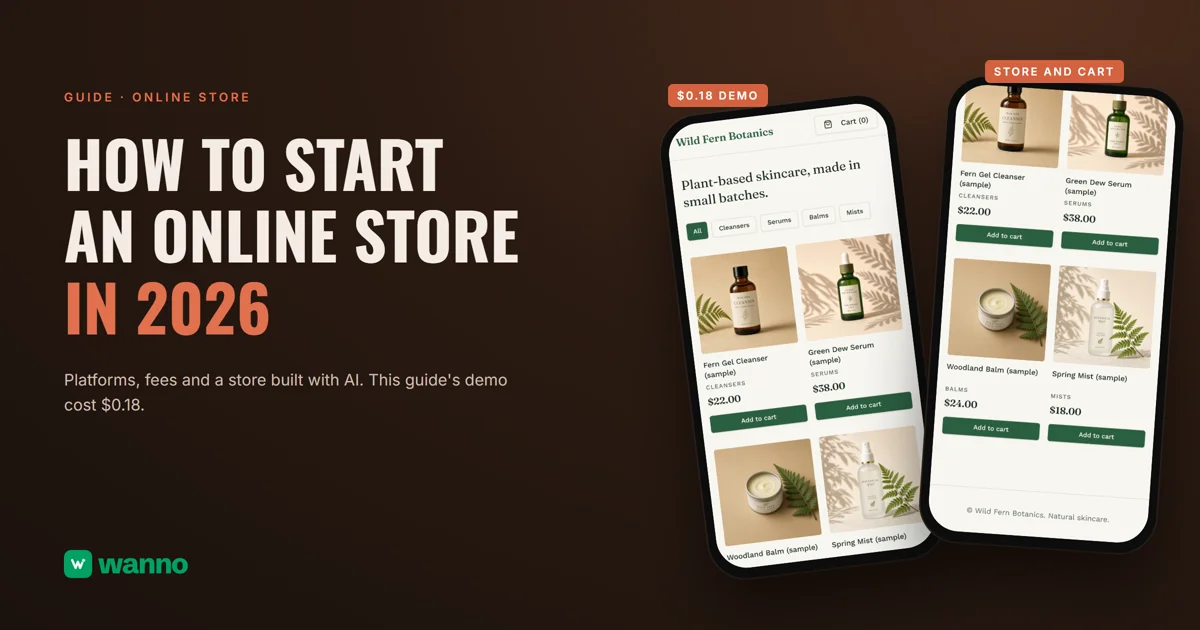
If you're wondering how to start an online store, you probably already sell through Instagram, DMs or craft fairs, and you want one place with your products, your prices and a cart. There are four paths: a subscription store platform, software you host yourself, a platform with a free plan, or building one with AI. This guide compares them with real costs, payment fees included, and builds a store end to end: the Wild Fern Botanics skincare store, with product photos, categories, USD prices, a cart and checkout details, took 1 minute 53 seconds and cost $0.18.
The short version:
| Option | What it costs | The catch |
|---|---|---|
| Shopify | Basic in the US: $39 a month, or $29 a month billed annually (varies by country) | no free plan, only a trial |
| WooCommerce | the software is free; hosting $25 to $350/month | hosting, domain and extensions are extra |
| Big Cartel | Platinum $15/month (7 days free), Diamond $30/month; free Gold plan | Gold has limited features |
| Ecwid | Starter $5/month | up to 10 products |
| Build your own with AI (wanno, a web app) | this guide's store cost $0.18 (within one day of free credit) | it lives on a wanno.dev subdomain, with a badge on the free plan |
01. What a small online store actually needs
A small online store is a link with your products: photos, prices, categories, a cart and a form where the customer leaves shipping details. The rest (warehouse inventory, automated invoicing, marketing apps) can wait until you have volume. To start, the customer needs to see a product, add it to the cart and place an order, and you need to add a product or change a price from your phone without calling anyone.
The quick test: can you add a product and change a price in under a minute? If every change goes through a designer, you have a brochure, not a store.
Before you share the link, settle what no platform decides for you: what you charge for shipping, how you get paid and what happens when someone returns a product.
02. Platforms to start an online store, and what they cost
Shopify has no free plan, only a trial, and Basic in the US is $39 a month, or $29 a month billed annually; the price varies by country, so check yours before you compare. It's a ready-to-use platform, at a fixed monthly cost from day one.
WooCommerce is free, with no monthly subscription, but you need hosting, which its own page puts at $25 to $350 a month for most stores, and extensions run $29 to $299 a year each. You get a lot of control, and you pay for it in time and upkeep. Big Cartel has a limited free Gold plan, Platinum at $15 a month after 7 free days, and Diamond at $30 a month. Ecwid starts at $5 a month for up to 10 products, and its page says it charges no setup or transaction fees.
Then there's the payment processor's cut, separate from the platform. Stripe in the US charges 2.9% plus 30 cents per charge on domestic cards: on a $50 order that's $1.75, or 3.5%. At 40 orders a month of that size, fees come to $70, more than Big Cartel's Diamond plan. That's why the real cost of a store is platform plus fees, not just the plan price. With few sales, the monthly fee hurts most; with many, the processing fee does. Run the numbers on your real sales before you choose.
And there's this guide's path: starting your online store with AI, with your own admin panel, for pennies.
03. How to start an online store with AI, step by step
- Describe your store in one message.
- Review the products, prices and categories.
- Choose your password and open your panel.
- Replace the samples with your own products.
- Place a test order and share the link.
With wanno you describe your store in one message, from your phone, and wanno builds it on its own link. Here's the prompt behind this guide's store:
I want an online store for my small skincare brand, Wild Fern Botanics: products with photos, prices in US dollars, categories, a cart, shipping details and order placement, plus a private panel to add products, change prices and see orders myself. Everything visible in the app must be in English.
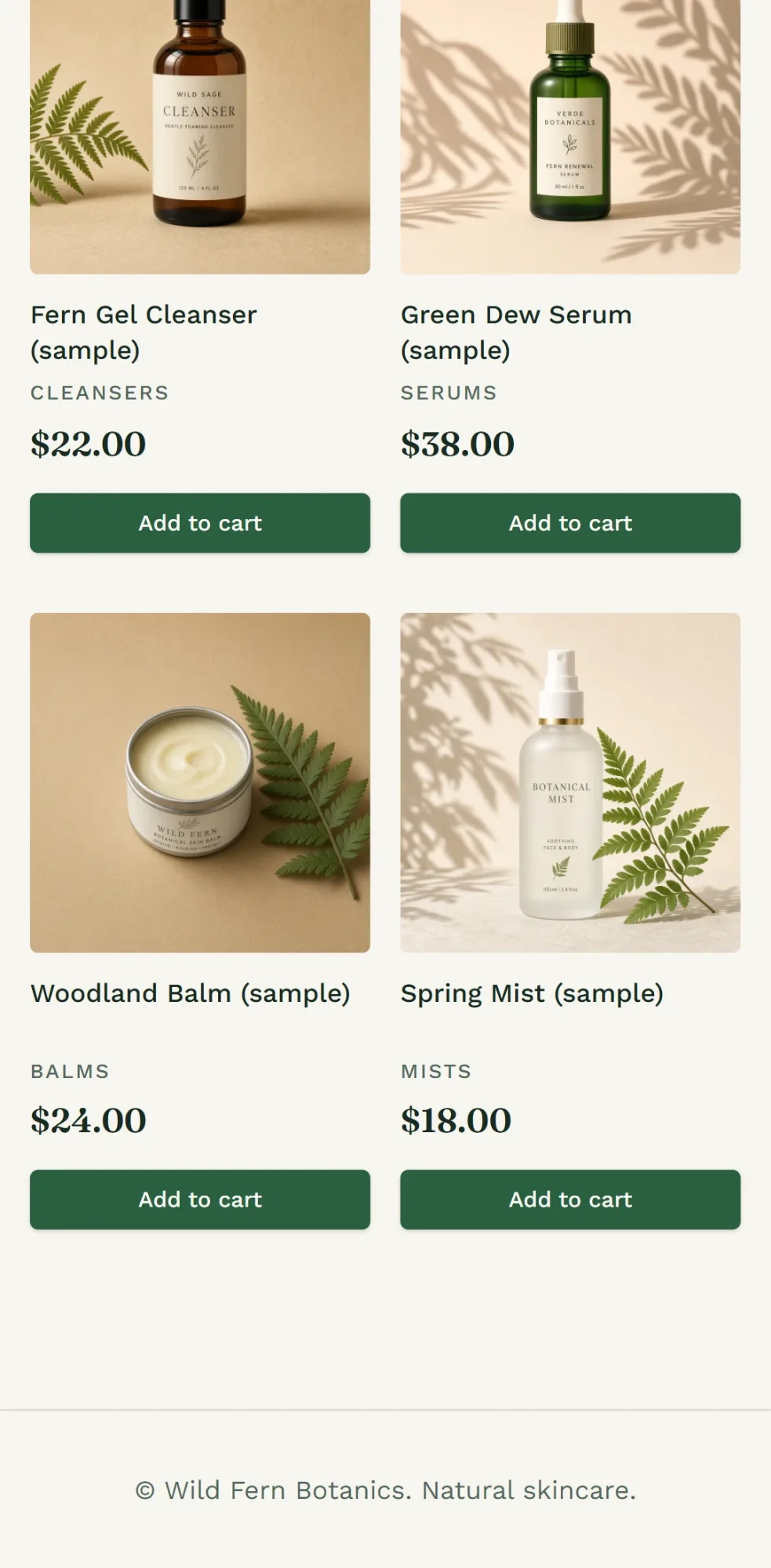
wanno built it in 1 minute 53 seconds and 21 steps, and the store was running on its test link. Wild Fern Botanics is an example business, and so are its products, photos and prices. The page opens with "Plant-based skincare, made in small batches," with category filters (All, Cleansers, Serums, Balms, Mists) and every product showing its photo, name, price and an "Add to cart" button.
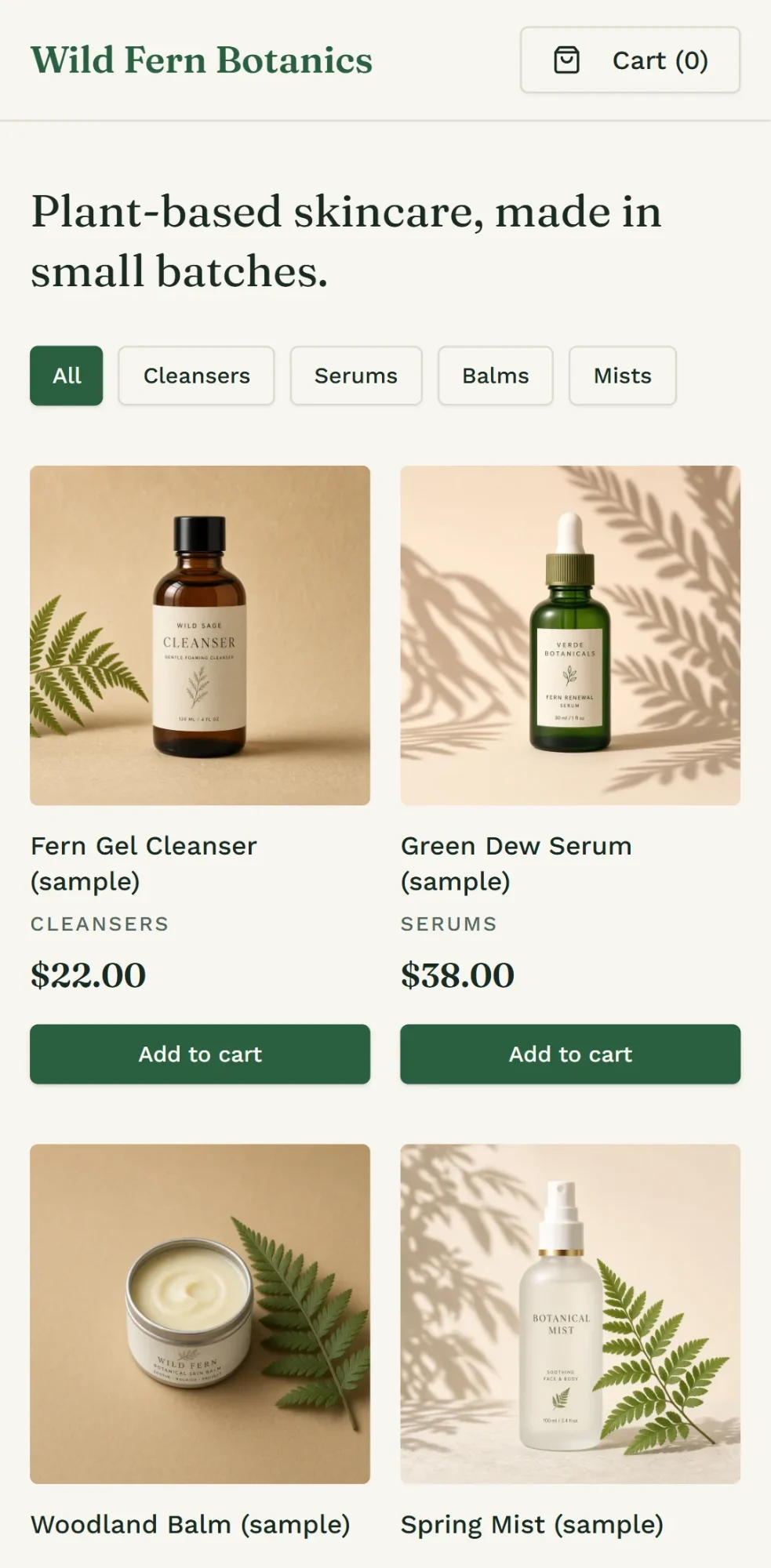
The cart adds up what the customer picks and asks for shipping details to place the order. At checkout the customer gets an order number, and you can mark each order as new, shipped or canceled. To charge cards inside the store you need a payment processor. From the admin panel, which you activate by choosing your password, you add products, change prices and see orders, from any device.
If you only need to show products first, a digital catalog is the lighter version, and the online store with an admin panel goes deeper on the panel.
04. What a store like this costs
Build cost: $0.18 in credits (1.8 credits; 10 credits equal $1), covered by one day of free credit, which is $0.30. Keeping it running doesn't require a subscription: the store sits on a link ending in wanno.dev, with a "Built with wanno" badge on the free plan. You pay only if you want to remove the badge, use your own domain or ask for more changes than the free credit covers; the free plan has a monthly cap of $1.50. Changing prices or adding products from your panel doesn't use credits; you only spend when you ask for a new change in the chat.
To compare: $0.18 is paid once; the cheapest paid plan among the other options, Ecwid Starter at $5 a month (up to 10 products), works out to $0.17 per day, every day. If you want your own domain and no badge, wanno's Starter plan is $4.99 a month with $10 in credits included (see plans).
Your online store on one link before your next sale
A small store gets built once and edited when needed: products, prices and orders on a fixed link, with your own panel to run it. Describe your store in wanno and see the result; trying it is free.
Frequently asked questions
Can I start an online store for free? Yes. Big Cartel has a limited free Gold plan, and wanno's free plan gives you credits every day (with a monthly cap of $1.50), enough to build a store like this guide's, which cost $0.18. You pay only if you want to remove the badge, use your own domain or ask for more changes.
What's the best platform for a small online store? It depends on how much you want to control. Shopify gives you a ready platform with a monthly fee; WooCommerce is free but needs hosting and upkeep; Ecwid is cheap but caps its entry plan at 10 products. A store built with AI gives you your own panel, editable from your phone.
How much does it cost to accept cards in an online store? On top of the platform, the processor takes a fee per sale: Stripe in the US, for example, is 2.9% plus 30 cents on domestic cards. Run that number on your monthly sales before picking a plan.
Can I start the store from my phone? Yes. You describe the store in the wanno chat, and the admin panel also works from your phone for adding products and changing prices.
Read next: Create an app for your business: a store with orders included
Download wanno on the App Store · Download wanno on Google Play