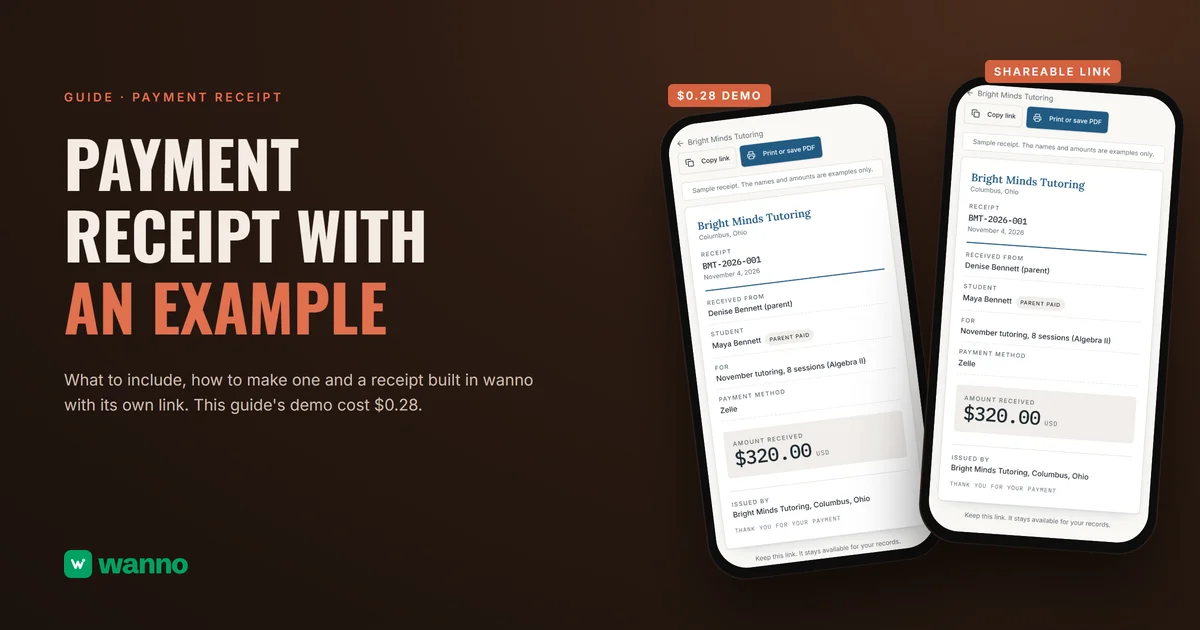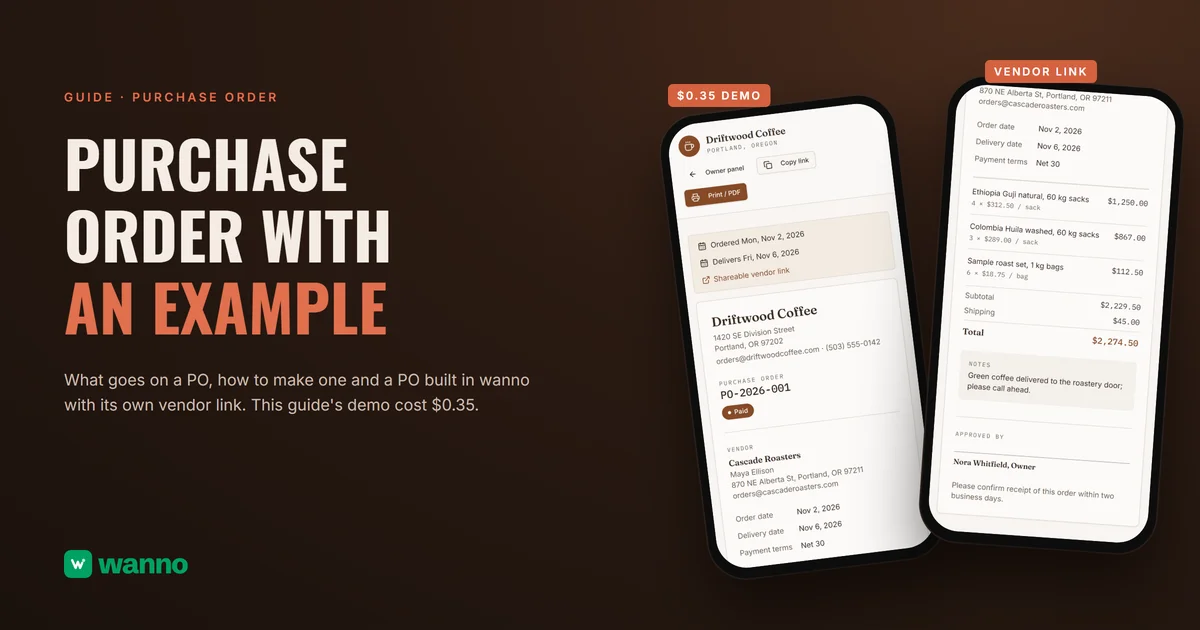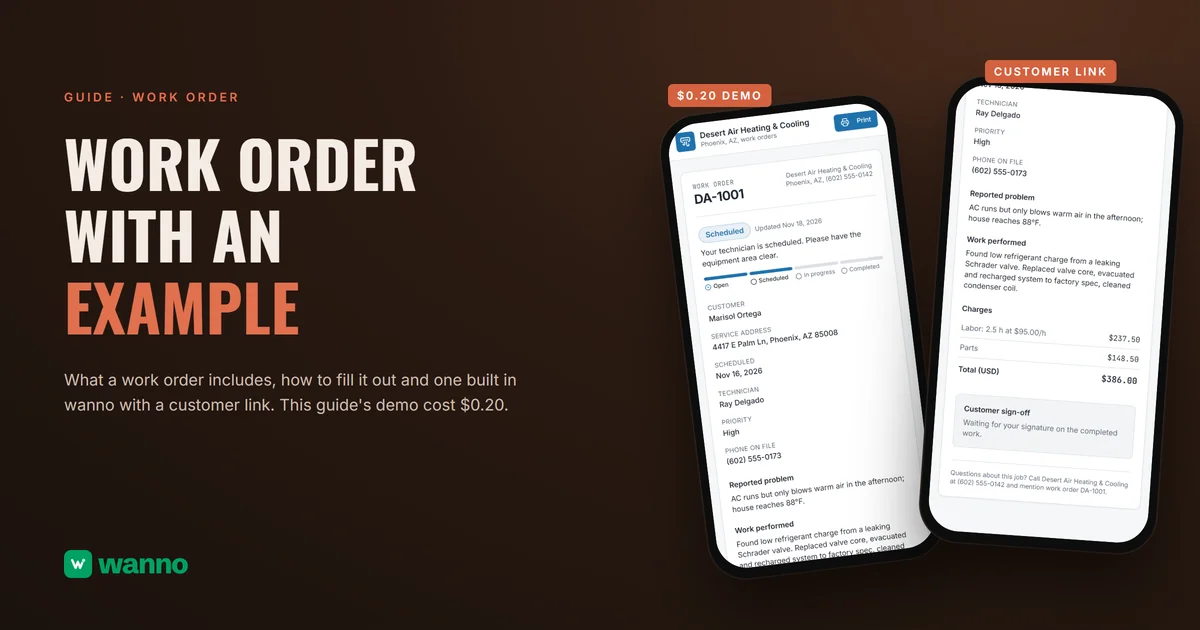
A price list only works if a customer can read it in ten seconds and knows how long the prices are good for. This guide gives you a price list template to copy, filled in with the sample services and prices from a real demo, and explains what to include, which types exist, where to post it, when to update it and what the law says about showing prices. The example, for Muddy Paws Grooming, a made-up dog grooming business in Denver, was built in wanno, a platform that builds websites and apps with AI from your phone, in 3 minutes 49 seconds and cost $0.28.
In short: a price list is a document that puts everything you sell next to its final price, so customers can decide without asking. It includes the product or service, a description, size or duration, the price, volume or package prices if you have them, conditions, a valid-from date, whether tax is included and a contact. Post it where customers already are (front desk, text message, social bio) and update it, with a visible date, every time a price changes.
Updated November 18, 2026.
01. What is a price list and what is it for?
A price list is a document where a business writes down every product or service it sells with what each one costs, in a format customers can read on their own. It speeds up sales, prevents arguments at checkout and makes sure everyone on your team charges the same amount.
For a small business it does four jobs:
- It answers before they ask. A customer who sees the price decides on the spot, and you stop answering the same question twenty times a day.
- It gives one version of the truth. If prices live in your head, every employee quotes something different.
- It protects the business. Notes like "prices may vary for matted coats" and a valid-from date make the conditions clear.
- It organizes your own decisions. Seeing every price together shows you which one is out of line.
02. What to include in a price list
A complete price list includes eight items, and the first four can never be missing. Here are the fields, in the order that works best on the page:
- Product or service. The name the customer recognizes, not your internal code.
- Description, size or duration. "Small, up to 15 lb" saves a round of questions.
- Price. With the currency clear and, when it applies, the final total.
- Whether tax is included. The price on the list should be what the customer actually pays, or the list should say what is added.
- Volume or package price. For example, a lower price for a bundle or a monthly plan.
- Conditions. Deposits, appointments, extra fees, what is charged separately.
- Valid-from date. The date the prices take effect, shown near the top.
- Contact. A phone number, text line or address to book or order.
03. Price list example to copy
This price list example uses the services and prices exactly as they appear in the demo in this guide, the one for Muddy Paws Grooming. The business, services and prices are made up as an example. Copy the table, swap in your own services and keep the same columns.
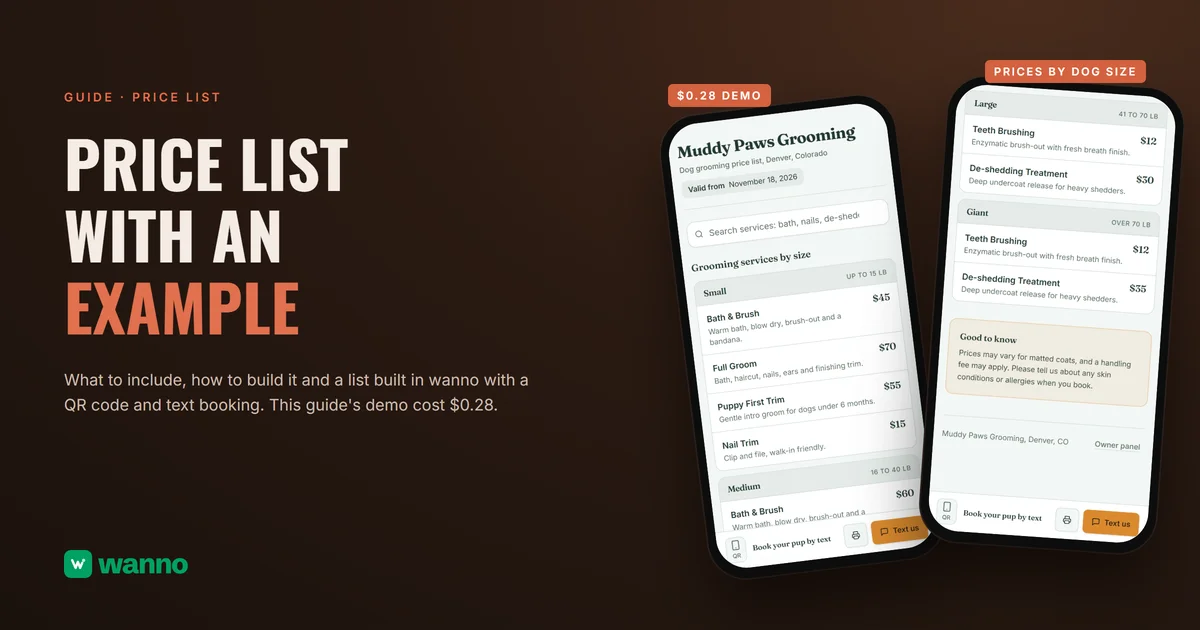
Muddy Paws Grooming, Denver, Colorado. Dog grooming price list. Valid from November 18, 2026.
| Service | Small (up to 15 lb) | Medium (16 to 40 lb) | Large (41 to 70 lb) | Giant (over 70 lb) |
|---|---|---|---|---|
| Bath & Brush | $45 | $60 | $75 | $95 |
| Full Groom | $70 | $85 | $105 | $130 |
| Puppy First Trim (dogs under 6 months) | $55 | $65 | not listed | not listed |
| Nail Trim | $15 | $15 | $20 | $20 |
| Add-on: Teeth Brushing | $10 | $10 | $12 | $12 |
| Add-on: De-shedding Treatment | $20 | $25 | $30 | $35 |
Note on the list: prices may vary for matted coats, and a handling fee may apply. Please tell us about any skin conditions or allergies when you book. Contact: a "Text us" button to book by text.
Look at three choices in the table: services are grouped by size, because size is what changes the price; add-ons sit in their own rows so nobody has to guess what is extra; and the valid-from date and the note come with the list, not in a separate message.
04. How to make a price list, step by step
To make a price list, gather what you sell, set a final price for each item, group items by category, add conditions and a date, and publish it somewhere customers can open. Follow these steps:
- Write down everything you sell. Every service, size and variant, with nothing left "to ask about."
- Set the price for each one. How to calculate it (costs, margin, tax) is a different topic, covered in the guide on how to price a product. Here you only copy the result.
- Group by category or size. Customers look for their dog's size or their type of product, not an alphabetical order.
- Add a short description to each row. Size, duration or what is included prevents most questions.
- Add volume or package prices if you offer them, with a clear rule.
- Write the notes and conditions. Deposits, extra fees, what depends on the case.
- Add the valid-from date. Visible, near the top.
- Decide how people book or order. A text number or a button, and a QR code for the front desk.
- Test it as a customer. Open it on a phone and look for one item: if it takes more than ten seconds, reorder it.
If you are sending a custom number to one customer, that is an estimate: the price list is for everyone, the estimate is for one job.
05. Types of price lists
The most common types of price lists are retail, wholesale or volume, package or membership, and size or category lists. That is the usual way the trade sorts them, not a rule, and you can combine them in one list.
| Type | Who it is for | When it fits | Example |
|---|---|---|---|
| Retail | The final customer | Walk-in or booked sales | A Full Groom for a small dog at $70 |
| Wholesale or volume | People who buy in quantity | When the unit price drops above a set quantity | A lower price per piece from a set number of pieces |
| Package or membership | Returning customers | Services that repeat | Four visits a month at a fixed price |
| By size or category | Everyone | When cost changes with size or type | Small, Medium, Large and Giant |
A good rule: keep one list with different columns instead of several loose lists. It is easier to maintain and it never contradicts itself.
06. Where to post your price list and when to update it
Post your price list where customers decide: a QR code at the front desk, a link in your text replies and another in your social bio. Update it every time a price changes, with the valid-from date current.
- Front desk or window. A printed QR code that opens the list on a phone. You can make one with the free QR code generator.
- Text message. A link you send when someone asks "how much is it?"
- Social profiles. The link in your bio, so anyone can open it.
- Paper or PDF. For events, larger jobs or customers who prefer to print.
To update it: change the price, change the date and check that anything printed does not contradict what is online. A paper list with old prices is worse than no list.
07. What the law says about showing prices in the US
In the United States, the federal rule on hidden fees covers only live-event tickets and short-term lodging. The Federal Trade Commission's rule on unfair or deceptive fees (16 CFR Part 464) applies to "live-event tickets and short-term lodging," according to the FTC's business guidance. A dog groomer or a nail salon is not covered by that federal rule.
Some states go further. According to the California Attorney General, California's Honest Pricing Law (SB 478) has applied since July 1, 2024 and requires the advertised price to include all mandatory fees or charges, for most goods and services for a consumer's personal use. That is a state example, not a national rule. Rules differ by state, and whether sales tax is shown in the price depends on where you operate, so check your state's rules and ask your accountant. The safe habit everywhere is the same: the price on your list should be the price the customer pays, with any extra fee written next to it.
Put it into practice: a price list with search and QR in minutes
This is the exact prompt used in wanno for Muddy Paws Grooming:
I want an online price list for my dog grooming business in Denver, Muddy Paws Grooming: services by dog size (small, medium, large, giant), prices in US dollars, add-ons like teeth brushing or de-shedding, notes such as "prices may vary for matted coats", the date the prices are valid from, a search box, a QR code for the front desk and a button to book by text message. It can be printed or saved as PDF, and there is a private panel where I change prices, add services and mark something unavailable myself. Load sample services and save everything in the cloud. The price list opens without signing in and only the panel asks for a password. Everything visible in the app must be in English.
wanno built it in 3 minutes 49 seconds, 51 steps and $0.28 in total, including two adjustments, one of them because "Valid from" showed a raw timestamp. It ran on its test link.
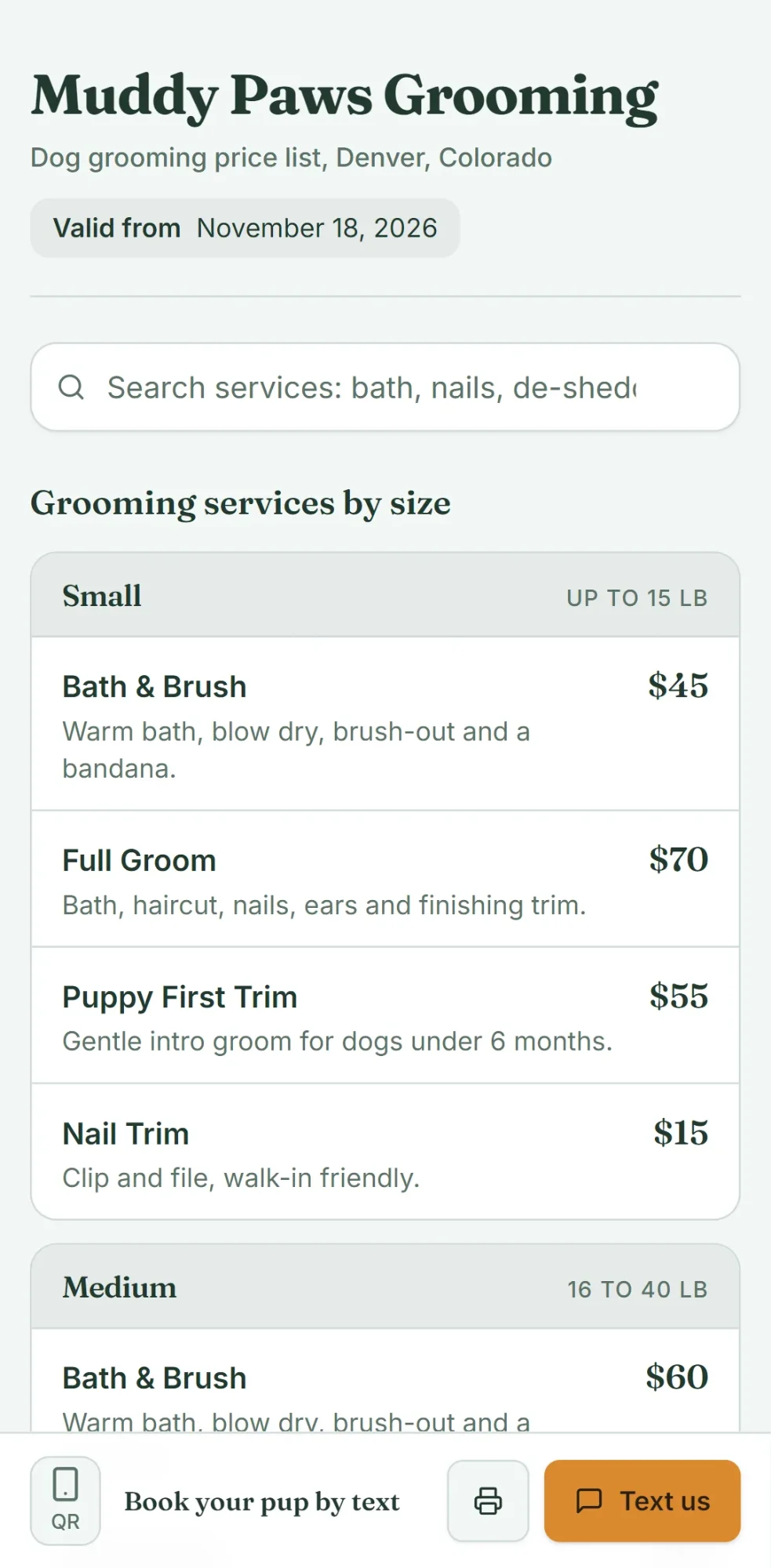
What ends up working: a public price list with a "Valid from November 18, 2026" date, services grouped by size (Small up to 15 lb, Medium 16 to 40 lb, Large 41 to 70 lb, Giant over 70 lb), add-ons like Teeth Brushing and De-shedding Treatment, a notes band with "prices may vary for matted coats," live search, a QR code and a "Text us" button that opens with a ready message. The list prints or saves as PDF, and an unavailable item stays visible marked Unavailable.
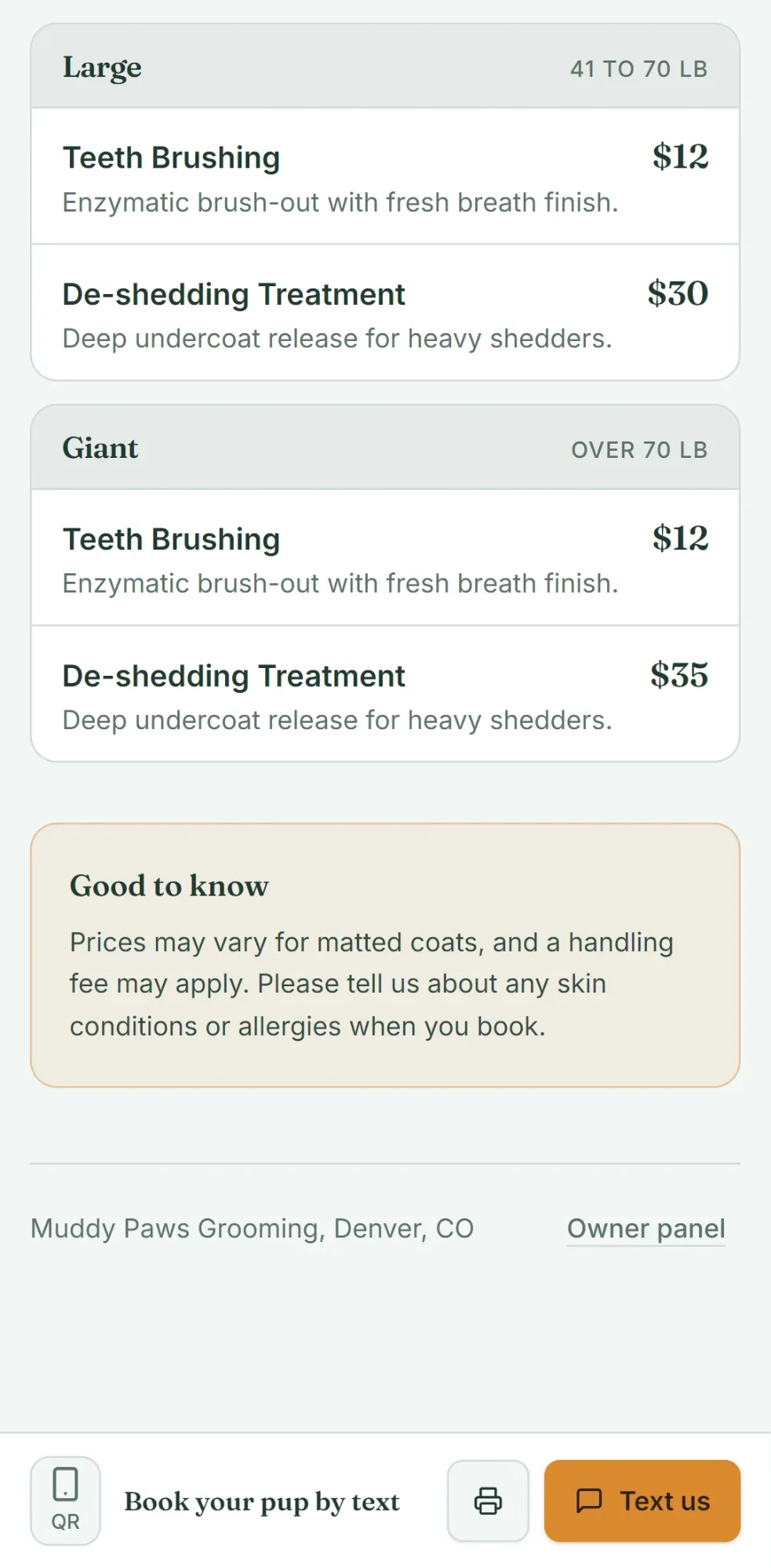
The owner panel is at /admin and activates when you choose your password; we did not set one for the demo. The business, services and prices are made-up examples. Before you share yours, open it on your phone and try the search box.
The cost: $0.28 is paid once and fits within one day of free credit. For comparison, wanno's Starter plan costs $4.99 a month with $10 in credits included, about $0.17 a day, every day (see plans).
Make your price list in wanno
Tell wanno about your services, your prices and your valid-from date, and have the list with its QR code ready for the front desk.
Frequently asked questions
What is a price list? A price list is a document where a business writes down what it sells next to the final price, so customers can decide without asking. It includes the item, a description or size, the price, conditions and a valid-from date. With wanno you build yours with your own services and a QR code.
How do you make a price list? You make a price list by writing down everything you sell, setting a final price for each item, grouping them by category or size, adding conditions and a date, and publishing it where customers can open it. How to calculate the price itself is in the guide on how to price a product. In wanno you describe your business and the list comes with search, QR and a panel.
What should a price list include? A price list includes the product or service, a description, size or duration, the price, whether tax is included, volume or package prices, conditions, a valid-from date and a contact. The first four cannot be missing. With wanno you can include all of them in one list.
What are the types of price lists? The usual ones in the trade are retail, wholesale or volume, package or membership, and by size or category. They are not a rule and can be combined in one list. The one in the demo is grouped by dog size, with add-ons priced per size.
Do I have to show the final price including fees? In California, yes for most consumer goods and services: the advertised price must include mandatory fees, according to the state Attorney General. At the federal level, the FTC's hidden fees rule covers only live-event tickets and short-term lodging. Check your own state's rules. In wanno you write the final price you want to show.
Can I make one for free?
Yes. wanno's free plan gives a daily credit of $0.30 with a monthly cap of $1.50, and the price list in this guide cost $0.28. On the free plan the page lives on a wanno.dev subdomain and carries a "Built with wanno" badge. You pay if you want to remove the badge, use your own domain or ask for more changes than the credit covers.
Read next: Cash flow template for a small business