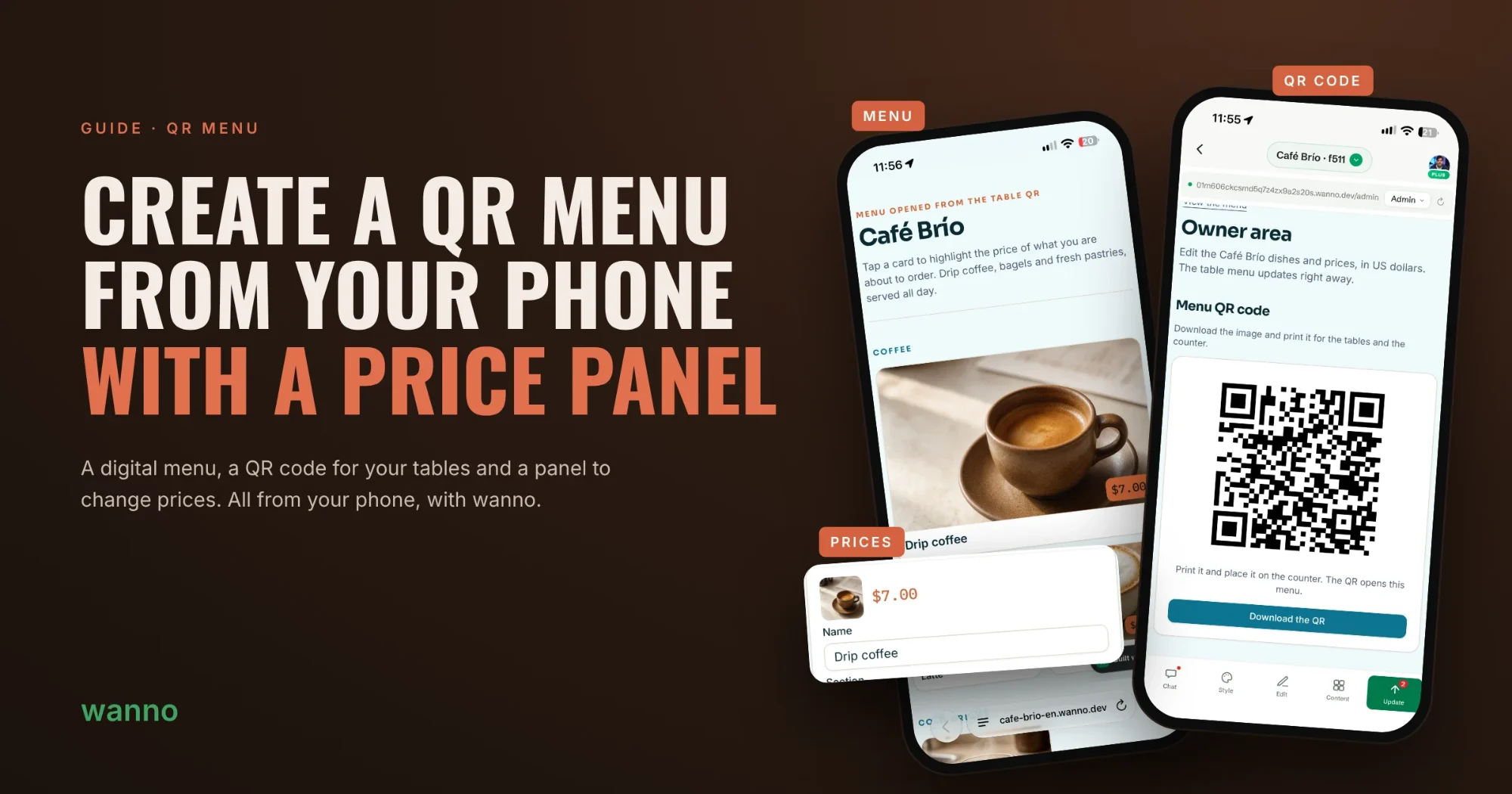
Build a digital menu with a QR code for your tables and a panel to change prices anytime. You make it from your phone with wanno, with nothing else to install.
A QR menu means no more reprinting every time a price goes up: you change it in your panel and the table menu updates right away. In this guide we build the menu for Café Brío, a sample coffee shop, in six steps.
01. Describe your menu in one sentence
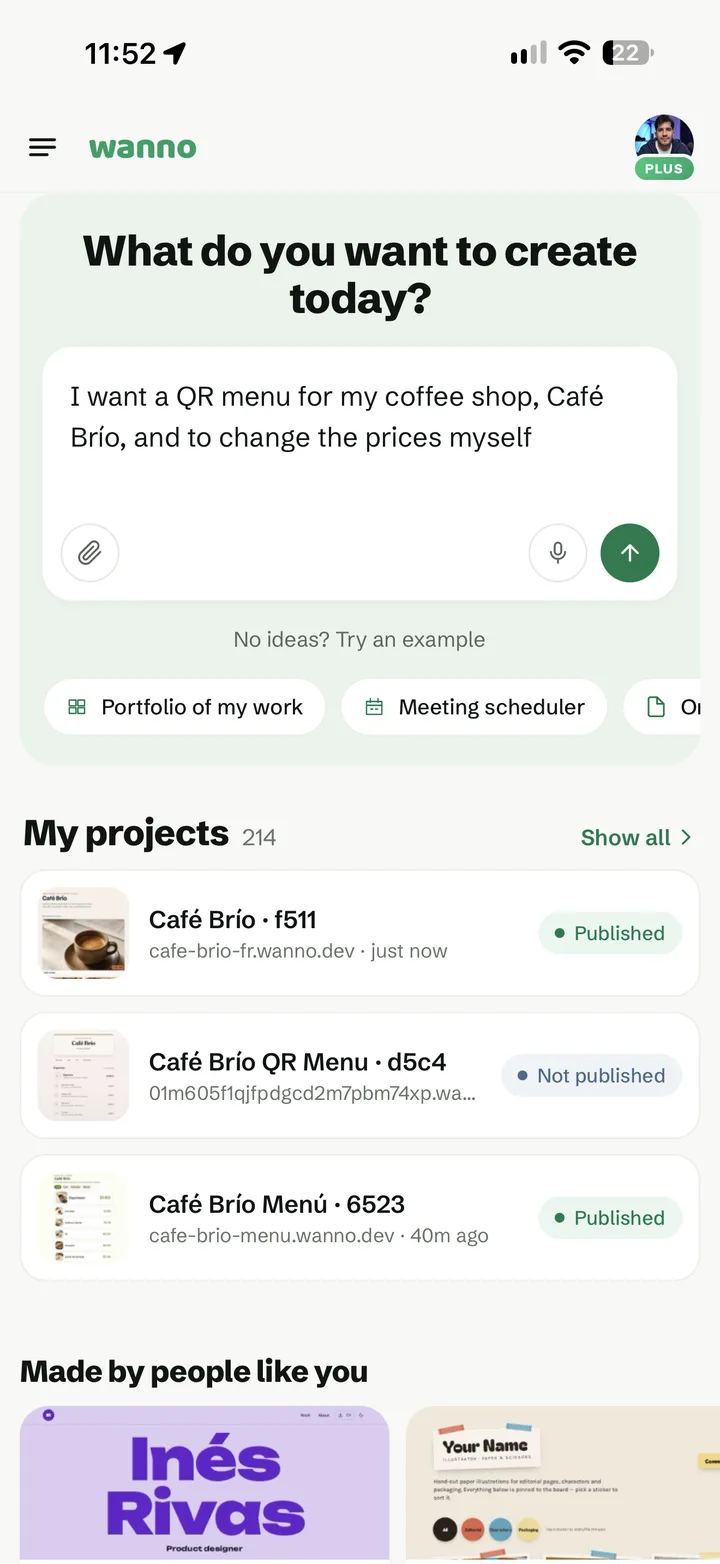
Open wanno and type what you need, the way you'd explain it to a friend. No technical details required.
I want a QR menu for my coffee shop, Café Brío, and to change the prices myself
02. Check the generated menu
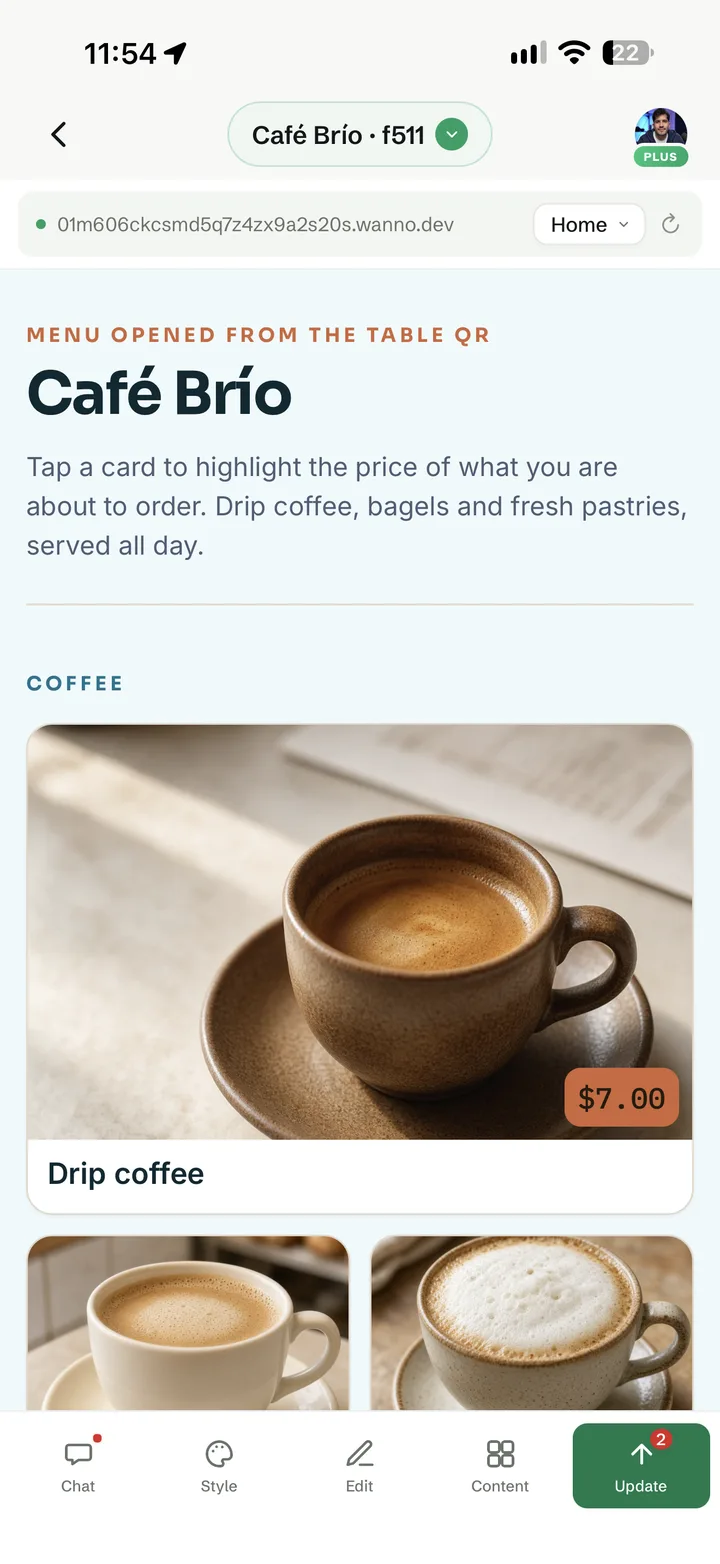
In seconds you get a menu with sections, a photo for each item and its price. It already looks good on a phone, which is where your customers will open it.
03. Tweak the text with a tap
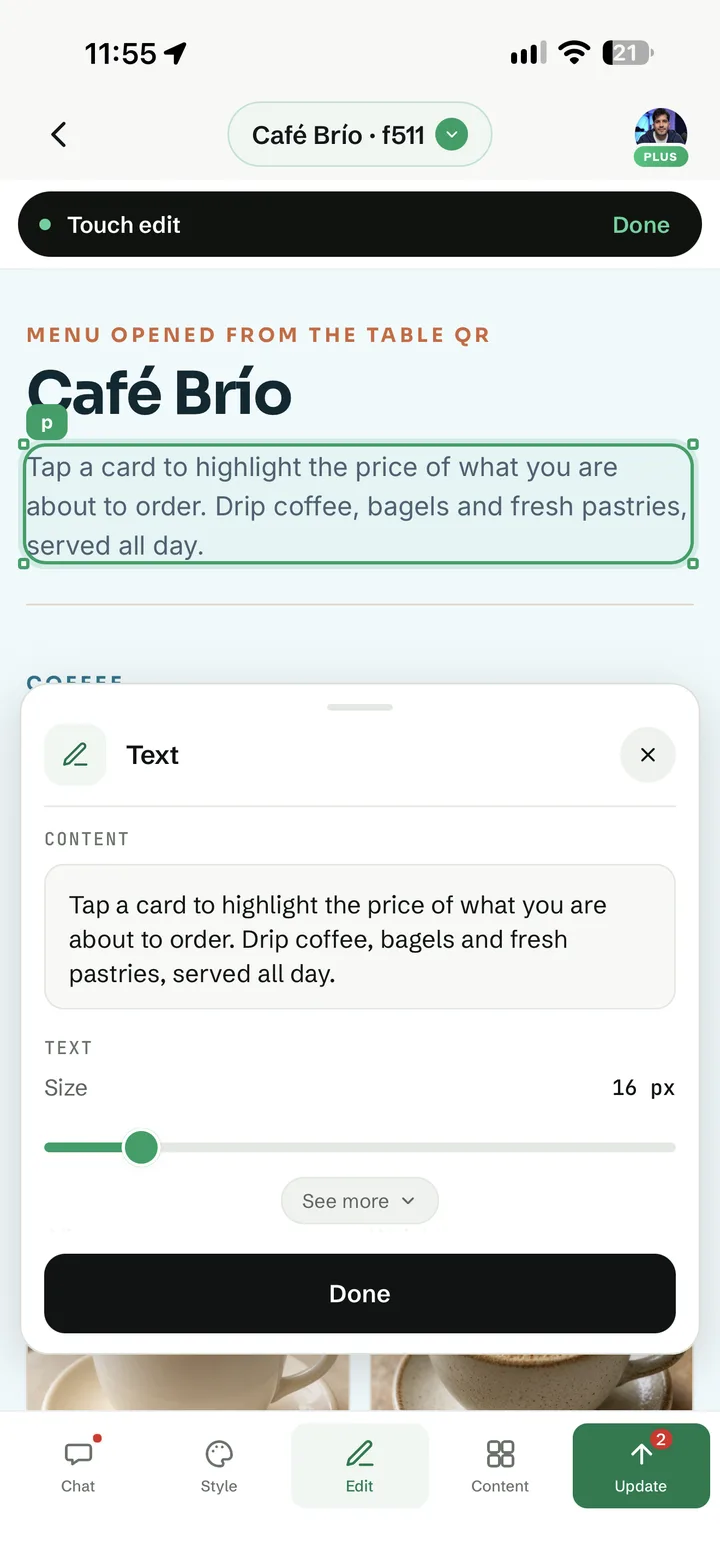
Tap Edit, then any text on the menu to change it. You can adjust the size from the same panel, without writing another prompt.
04. Download the QR code for your tables
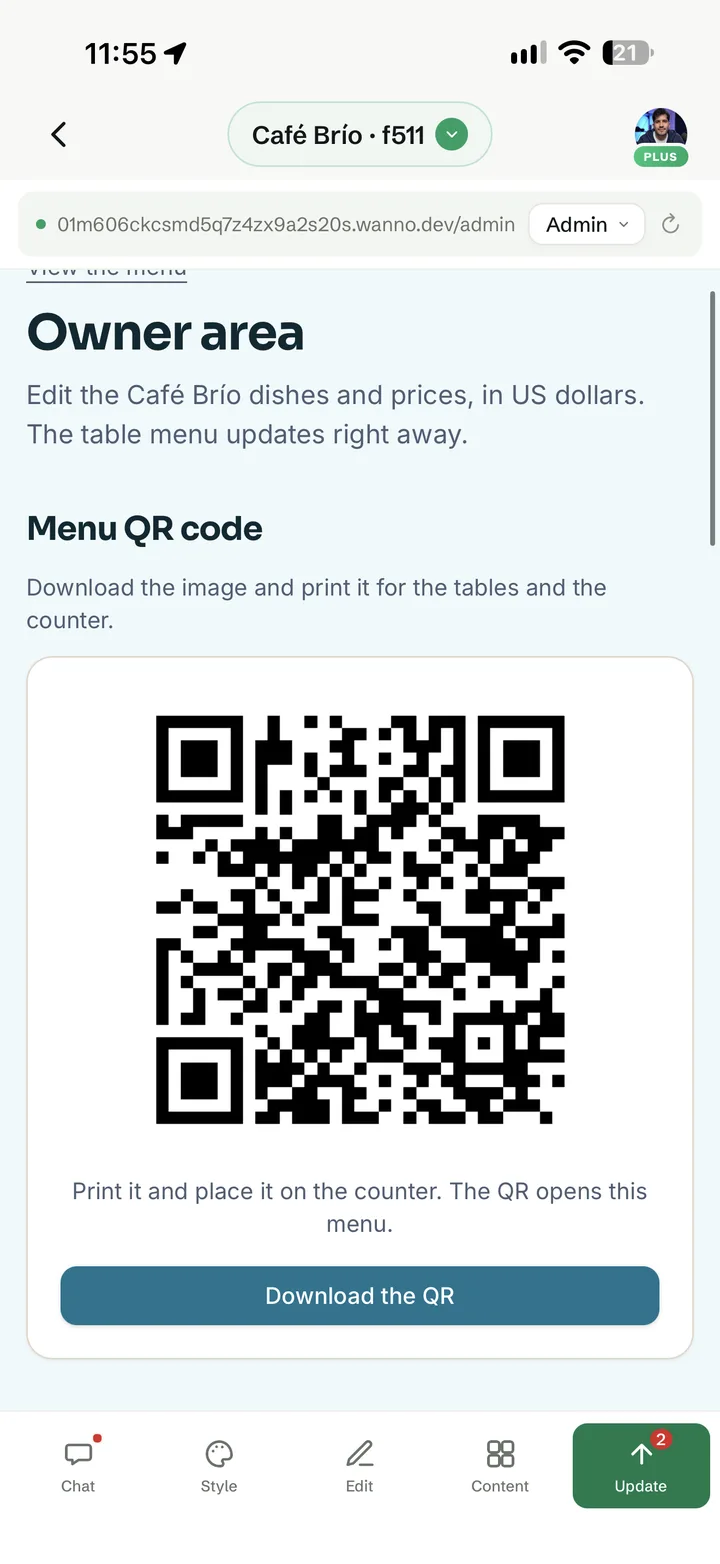
Open the Admin view. The menu QR code is already there, ready to download and print for your tables and counter. If it's missing, ask for it in the chat:
Add the menu's QR code to my panel so I can download and print it
05. Change prices and items from your panel
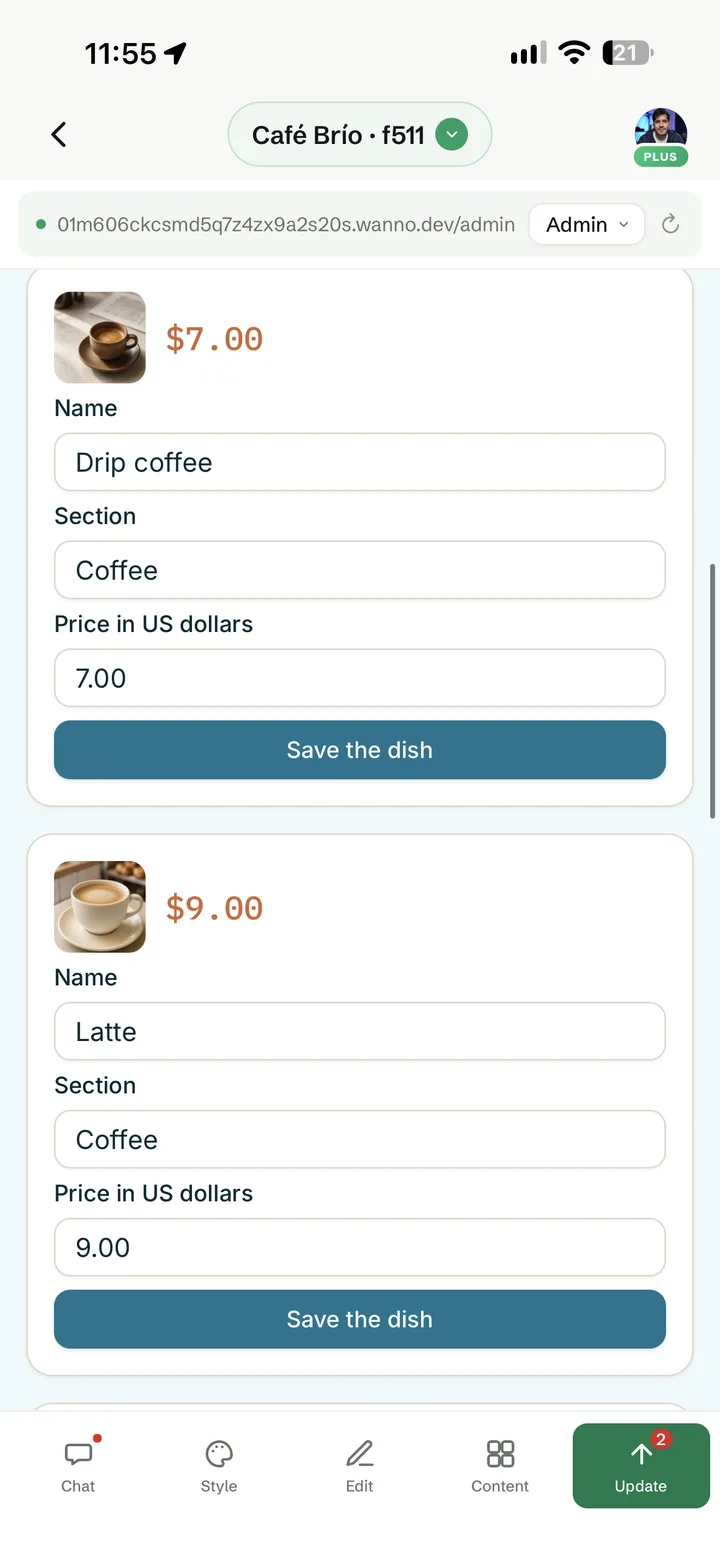
In the same panel you see every item with its name, section and price. Change what you need and tap Save the dish. The table menu updates right away, with nothing to reprint.
06. Publish and share your menu
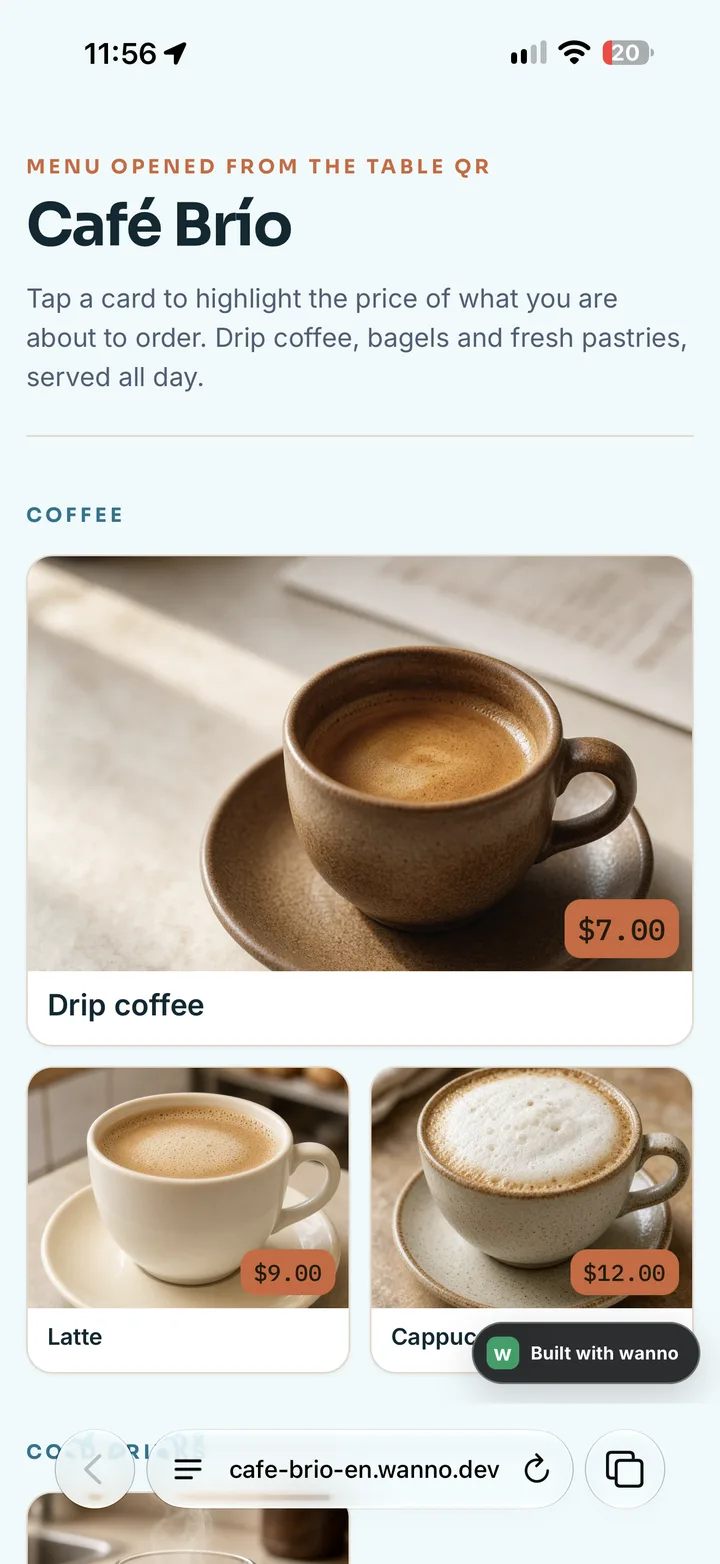
Tap Publish. Your menu goes live at its own link, like cafe-brio-en.wanno.dev, and the QR code points straight to it. You can also share the link on Instagram or WhatsApp.
Frequently asked questions
Do my customers need to install an app to see the menu? No. They scan the QR code with their camera and the menu opens in the browser.
Do I need a new QR code when I change prices? No. The QR code always points to the same menu, so you update prices in your panel and the code keeps working.
Does it work for restaurants, bars or food trucks? Yes. Swap "coffee shop" for your type of business in the prompt and wanno builds the right sections.
What you built
A digital menu with photos and prices, a QR code for your tables and a private panel to change prices and items, all made from your phone. You can start on wanno's free plan and publish your menu today.
Read next: How to connect a custom domain to your site from your phone